86
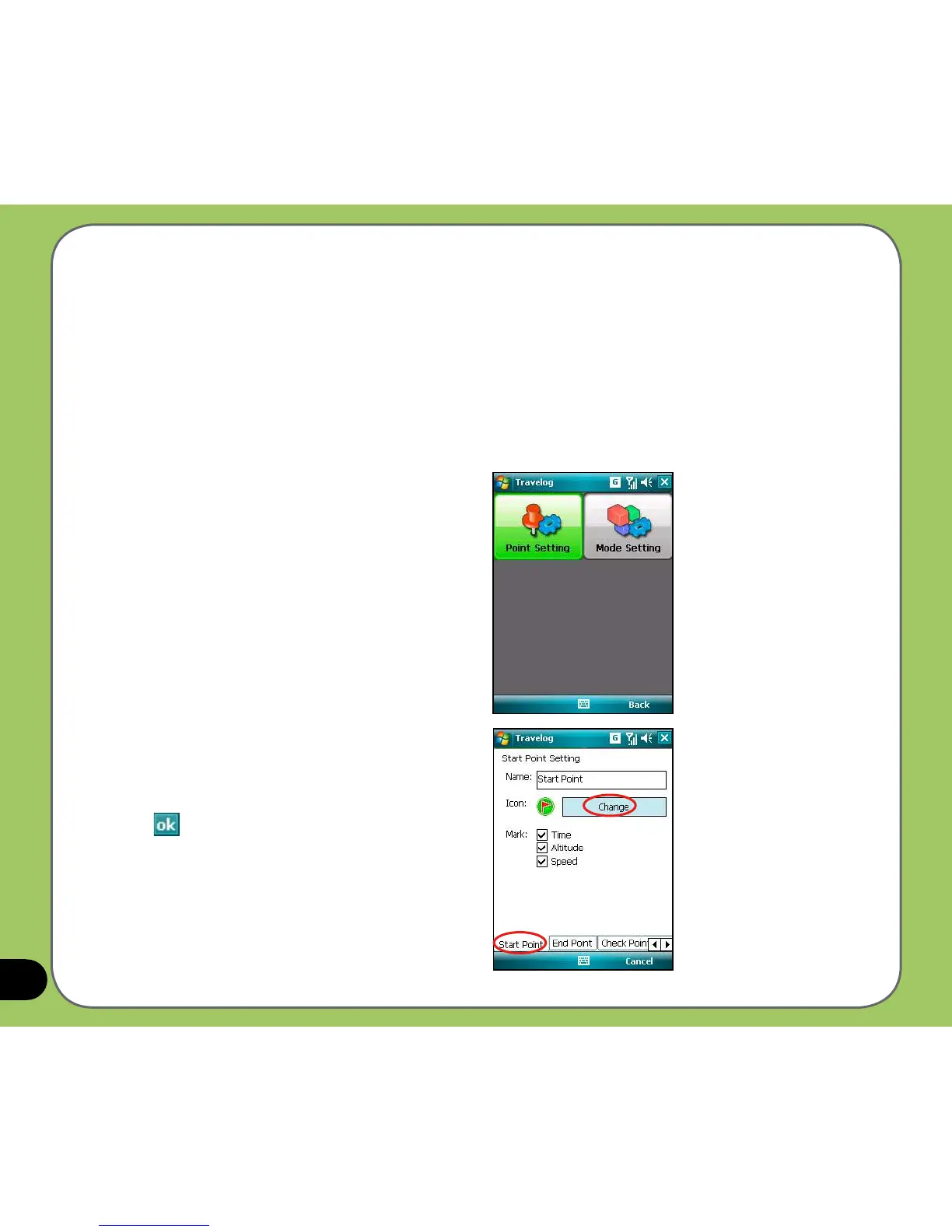
1. From the Track screen, tap Menu >
Setting > Export Setting > Point Setting.
2. Tap the tabs of points at the bottom of the
screen to set each point.
Tap Change to change an icon.
Export Setting
Export Setting includes Point Setting and Mode Setting.
• Point Setting
Point Setting allows you to change name and icon of start/end point, check point (milestone
point), and POI point. You can also set marking-information label for the points.
To set Point Setting:
3. Tap
when nished.



 To Next Page