2-55
ASUS RS720-E12 Series
1 2
3 4
RESET
2.10 Storage device configuration and cabling
This section illustrates some storage configurations that are recommended for your server
system. Before you start installing or removing the storage device cables, ensure that you
have installed the correct storage devices into the supported bays.
Refer to
Storage Devices
for details on how to install storage devices.
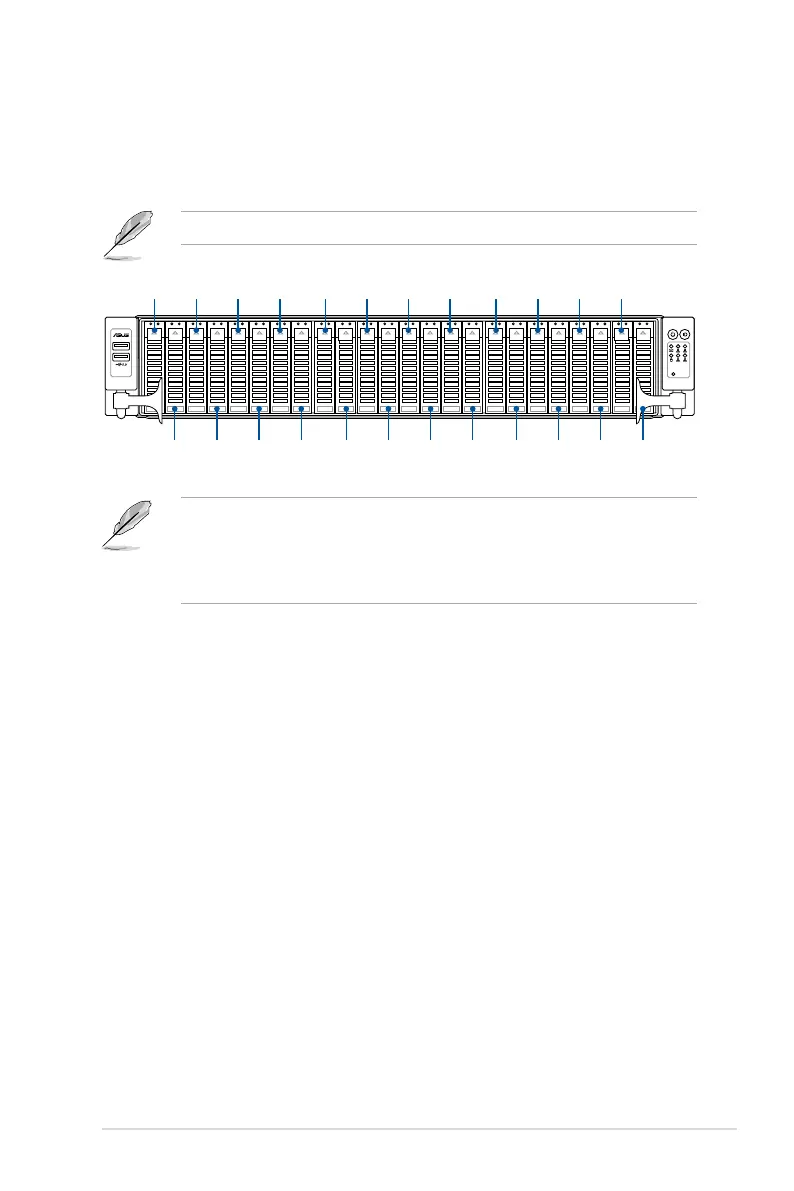
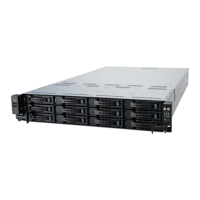
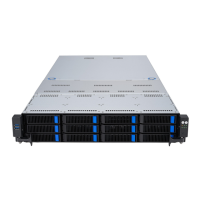
• Bays 1 to 8 support NVMe/SATA/SAS. SAS support requires an optional HBA/RAID
card.
• Bays 9 to 12 support NVMe/SATA.
• All bays support 2.5” drives with trays.
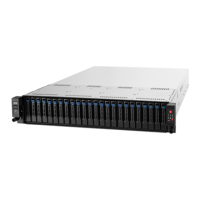
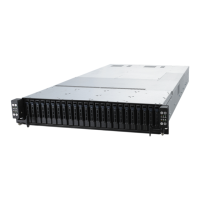
Bay 1 Bay 5 Bay 9 Bay 13 Bay 17 Bay 21Bay 3 Bay 7 Bay 11 Bay 15 Bay 19 Bay 23
Bay 2 Bay 8Bay 4 Bay 10 Bay 14 Bay 18 Bay 22Bay 6 Bay 12 Bay 16 Bay 20 Bay 24



 To Next Page