30
EN
Use
COMMISSIONING
Press any button to activate the display.
When the appliance is first powered on, Comfort mode is selected, and
the temperature is set to 19°C.
The first time the appliance heats up, a slight odour may be noted. This
results from the elimination any traces left from its manufacture. When
commissioning your appliance, we recommend that you set it to heat
to 28°C for 1 hour.
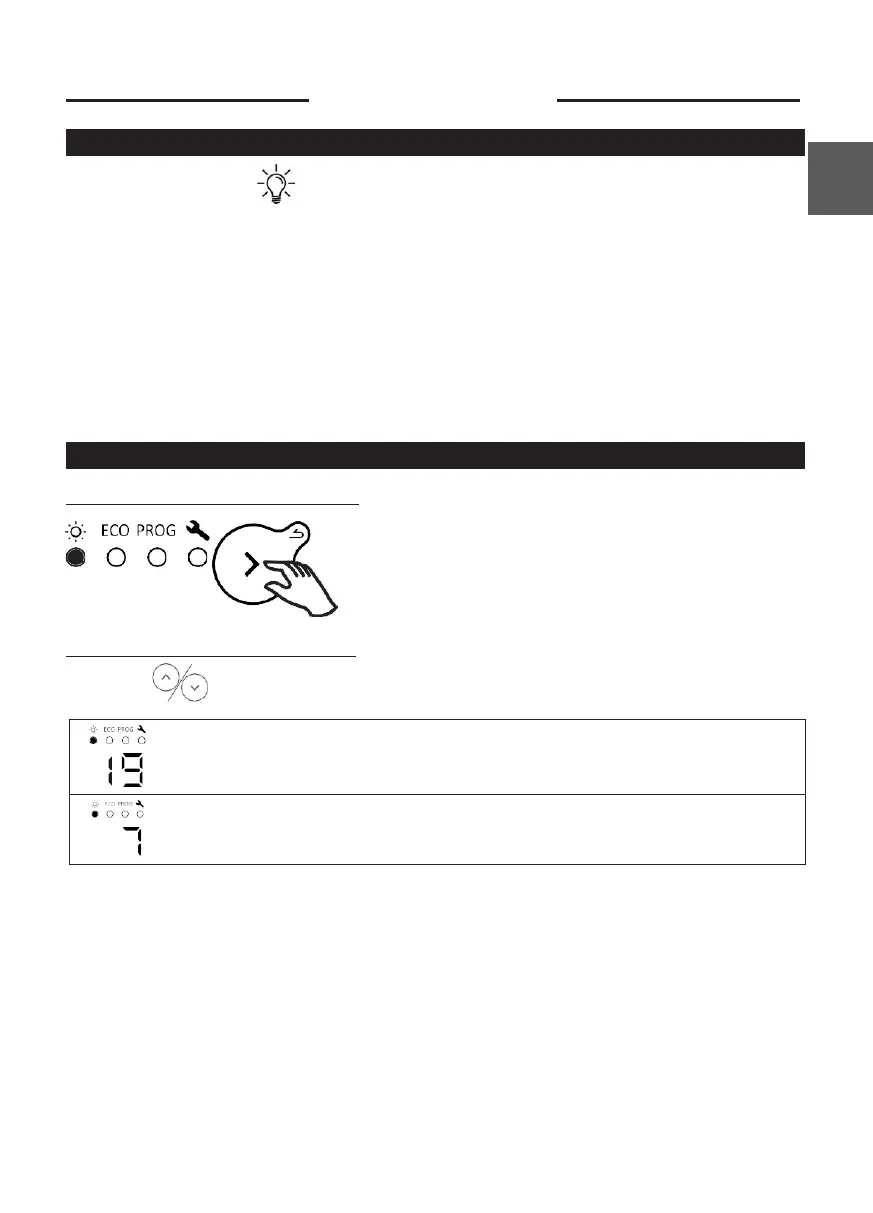
COMFORT MODE
Selecting Comfort mode
Setting the temperature
Use the buttons to set the temperature (desired temperature).
Increase or decrease from 12°C min to 28°C max., in 0.5°C steps.
Decrease further to 7°C (non-modifiable frost protection temperature).











 To Next Page