40
EN
Problem encountered
Checks to carry out
The appliance does
not heat enough.
Increase the temperature.
If the ambient temperature of the room does not reach the
requested temperature, read the temperature at the bottom right of
the appliance (this is where the sensor is located). If this
temperature is above the set temperature, then the appliance should
not be heating. If there is a significant difference between
the
temperature at the bottom right of the appliance and the ambient
temperature of the room, we recommend that you rectify the
appliance's surroundings accordingly. Otherwise, we recommend
that you check that the appliance's power is correct for the
dime
nsions of the room and your structure. Also ensure that the
product is heating an enclosed area.
appliance is very hot.
The appliance can be expected to be hot when operating, while the
maximum surface temperature is limited in accordance with the
NF Electrical standard. However, if you feel that your appliance is
always very hot, check the ambient temperature of the room.
If this
is higher than the set temperature, refer to the section "The
appliance is heating constantly". Otherwise, the appliance's heating
output is right for its power and the dimensions of the room.
on the wall around
the appliance.
In a polluted atmosphere, dirt may appear around the appliance’s air
outlets or on the wall. This phenomenon is due to poor ambient air
quality (cigarette smoke, candles, incense, fireplace, etc.
you are advised to check that the room is
suitably ventilated
(ventilation, air intake, etc.).
not follow the
internal programming
commands.
Check that the date and time are set.
Check that the appliance is in Programming mode.
This symbol is displayed when an open window is detected.
The screen
This symbol is displayed when the appliance is overheating.
Contact the After-Sales service.
The screen
This symbol is displayed when the appliance sensor is defective.
Contact the After-Sales service.
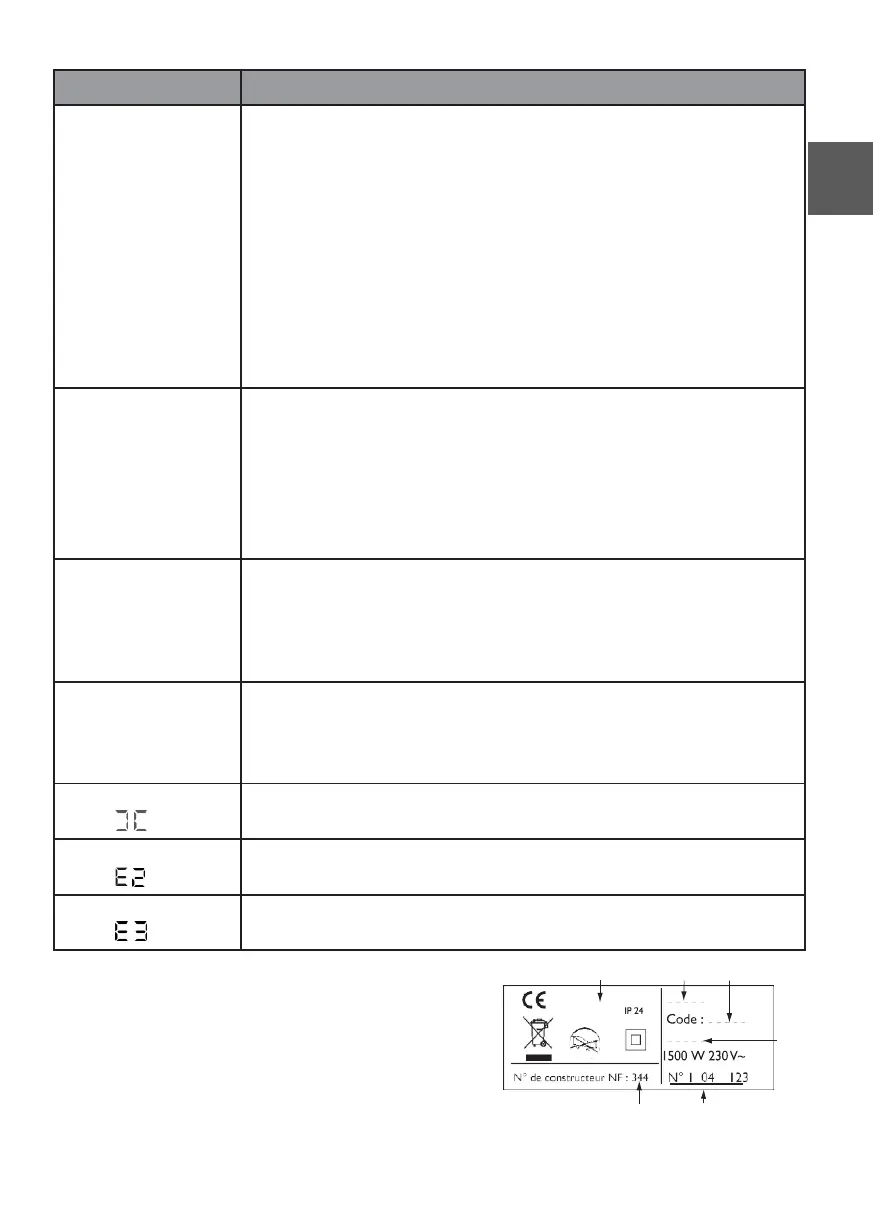
If you have been unable to solve your problem,
contact your retailer/installer, after noting the
references for your appliance. These are located on
the side of the appliance. Measure the room
temperature. The commercial code (C) and the
serial number (E) provide the manufacturer's
identification of the appliance you have just bought.
A B C
D
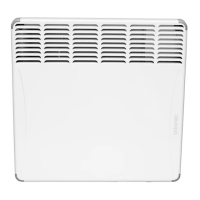
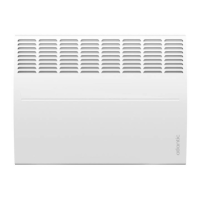
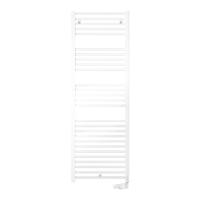
(non-contractual photo) F E
6











 To Next Page