EasyManua.ls Logo

ATON DLA6 - User Manual

ATON DLA6
42 pages
Print Icon
To Next Page IconTo Next Page
Loading...
www.atonhome.com
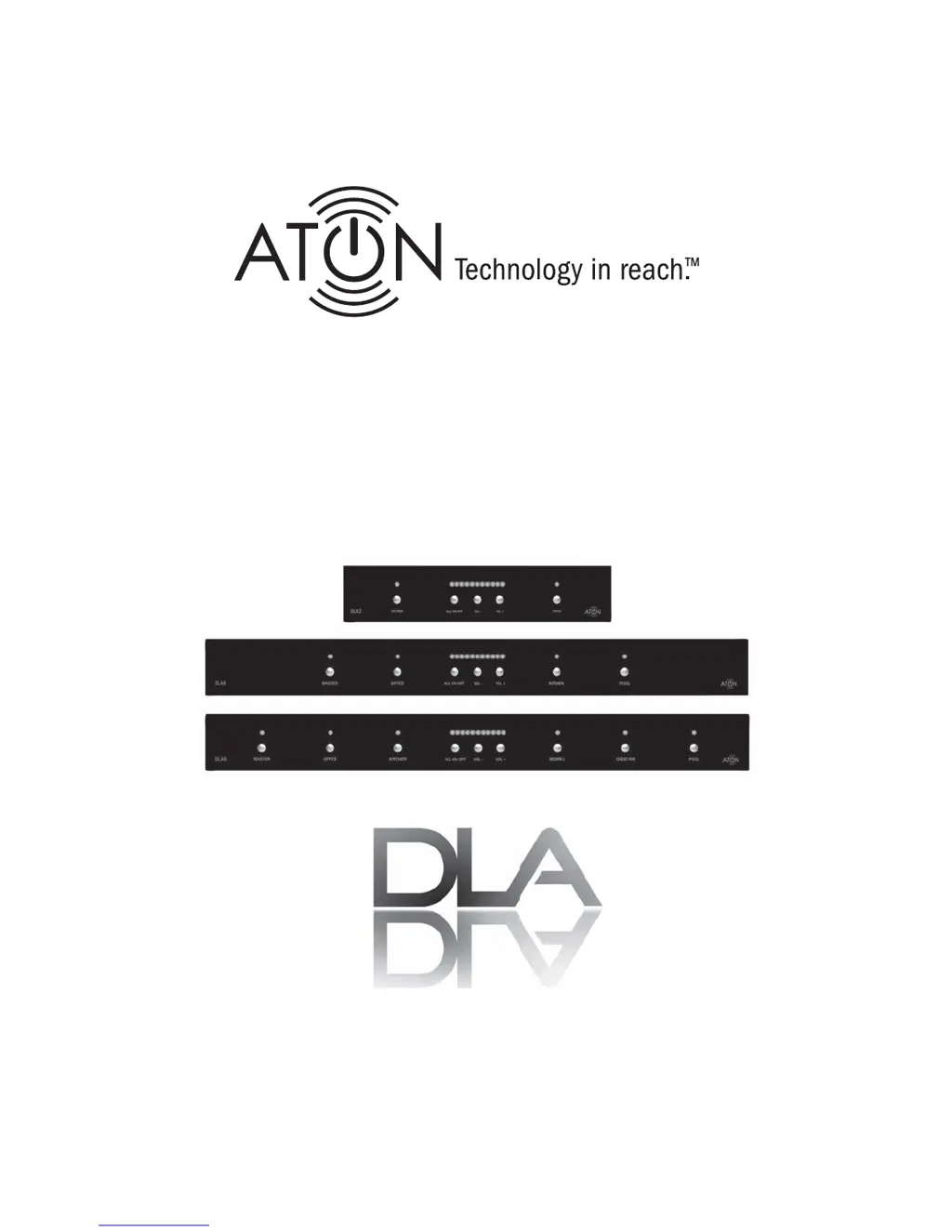
DLA2/DLA4/DLA6
Multi-Room Speaker
Level Audio Router

Questions and Answers

  • P
    Penny JonesJul 30, 2025
    What to do if there is no audio in a specific room with my ATON DLA6 Recording Equipment?
    • M
      Melinda WilsonJul 30, 2025
      If there's no audio in a specific room with your ATON Recording Equipment, here's what to check: 1. Ensure the source is playing by pressing play or turning it on. 2. Make sure the correct room is selected on the front panel or via the RF remote. 3. Verify the room's output volume isn't turned all the way down; increase the volume if needed. 4. Inspect the speakers in the room for miswiring or defects. Test with a known good speaker at the back panel connector and verify all connections.
  • D
    Daniel BuckleyAug 13, 2025
    Why is there no audio present in any room with my ATON DLA6 Recording Equipment?
    • J
      Joshua OdomAug 13, 2025
      If you are experiencing a complete lack of audio from your ATON Recording Equipment in any room, consider the following: 1. Check the source, room selection, and volume levels, as you would for a single room issue. 2. Ensure your amplifier/receiver is turned on and the volume is appropriately adjusted. 3. Verify that the amplifier or receiver is not in protection mode. If it is, identify and correct the cause, with miswired speakers being a likely culprit. Confirm that the impedance levels of the amp and speakers are not lower than 8 Ohms.

Summary

Safety Information

DLA2;4;6 Power Source

Details the required 12VDC wall transformer and precautions.

Important Precautions

Lists critical safety and operational warnings for users.

Features

Dynamic Level Adjustment Technology

Technology for maximum adjustable volume and amplifier protection.

Front Panel Overview

Front Panel Controls and Indicators

Describes the buttons, LEDs, and their functions on the front panel.

Rear Panel Connections

Rear Panel Connector Overview

Details all available connectors on the rear panel.

System Design Overview

Connections

Amplifier Input Connection

Connecting speaker-level output from receiver/amplifier.

Speaker Output Connections

Connecting speakers to Room 1 and Room 2 outputs.

Impedance Match DIP Switch Configuration

Configuration for speaker and amplifier impedance matching.

Settings & Operation

Individual Room Volume Adjustment

How to adjust volume for individual rooms.

Scene Presets: Setting and Recalling

Saving and recalling custom room volume settings.

Troubleshooting

Audio System Troubleshooting

Common audio problems and troubleshooting steps.

IR Control System Troubleshooting

Troubleshooting problems related to IR remote control.

RF Remote Control Troubleshooting

Troubleshooting issues with the optional RF remote.

Appendix C: Remote Control Options

Limited Warranty

ATON DLA6 Specifications

General IconGeneral
BrandATON
ModelDLA6
CategoryRecording Equipment
LanguageEnglish

Related product manuals