22 ©2008 • All rights reserved.
DLA2/4/6 Speaker Level Audio Router
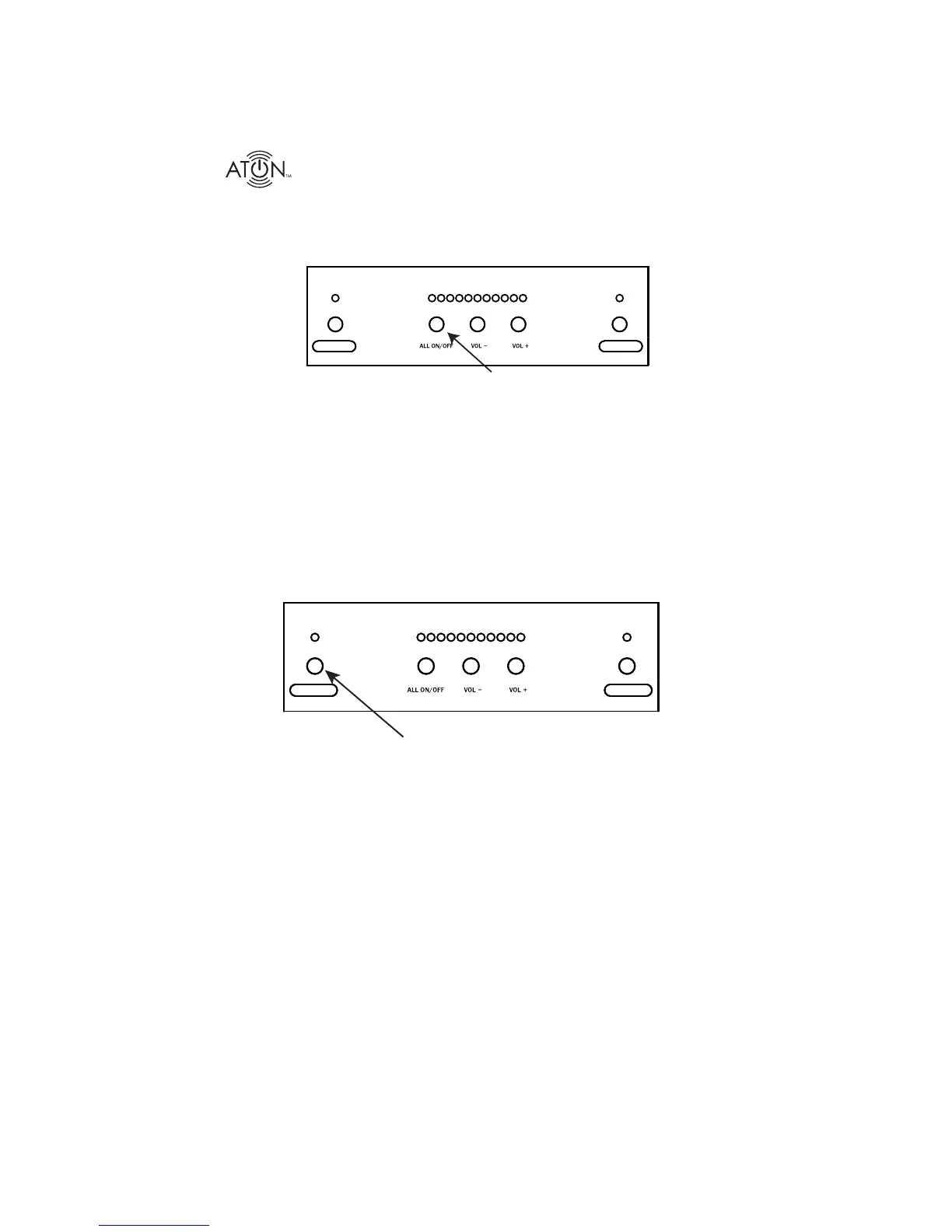
ALL ON/OFF
Press the ALL ON/OFF Button to turn the speakers in both Room 1 and Room 2 ON or OFF.
ROOM 1
ROOM 2
Press
Max Turn-On Volume Level
In order to guard against unexpected high volume levels when the system is turned on, a Maxi-
mum Turn-On Volume Level may be set for each room. If the volume level prior to turning the
room off is lower or equal to the Maximum Turn-On Volume Level, the room will come back on
at the last volume. If the volume level prior to turning the room off is higher than the Maximum
Turn-On Volume Level, the room will come back on at the Maximum Turn-On Volume Level
instead of the last volume.
To set the Maximum Turn-On Volume Level for a Room:
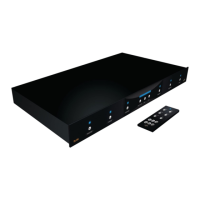
Press the 1. Room Button for the desired room.
Press
ROOM 1
ROOM 2
Set the desired Maximum Turn-On Volume Level using the front panel Vol + and 2.
Vol - Buttons.
Press and hold the 3. Room Button on the front panel (Room LED will turn off and all
Volume LED’s will go off).
Without releasing the 4. Room button, press and hold the Vol - Button.


 To Next Page