Getting Started
Accessing Citrix Services
24
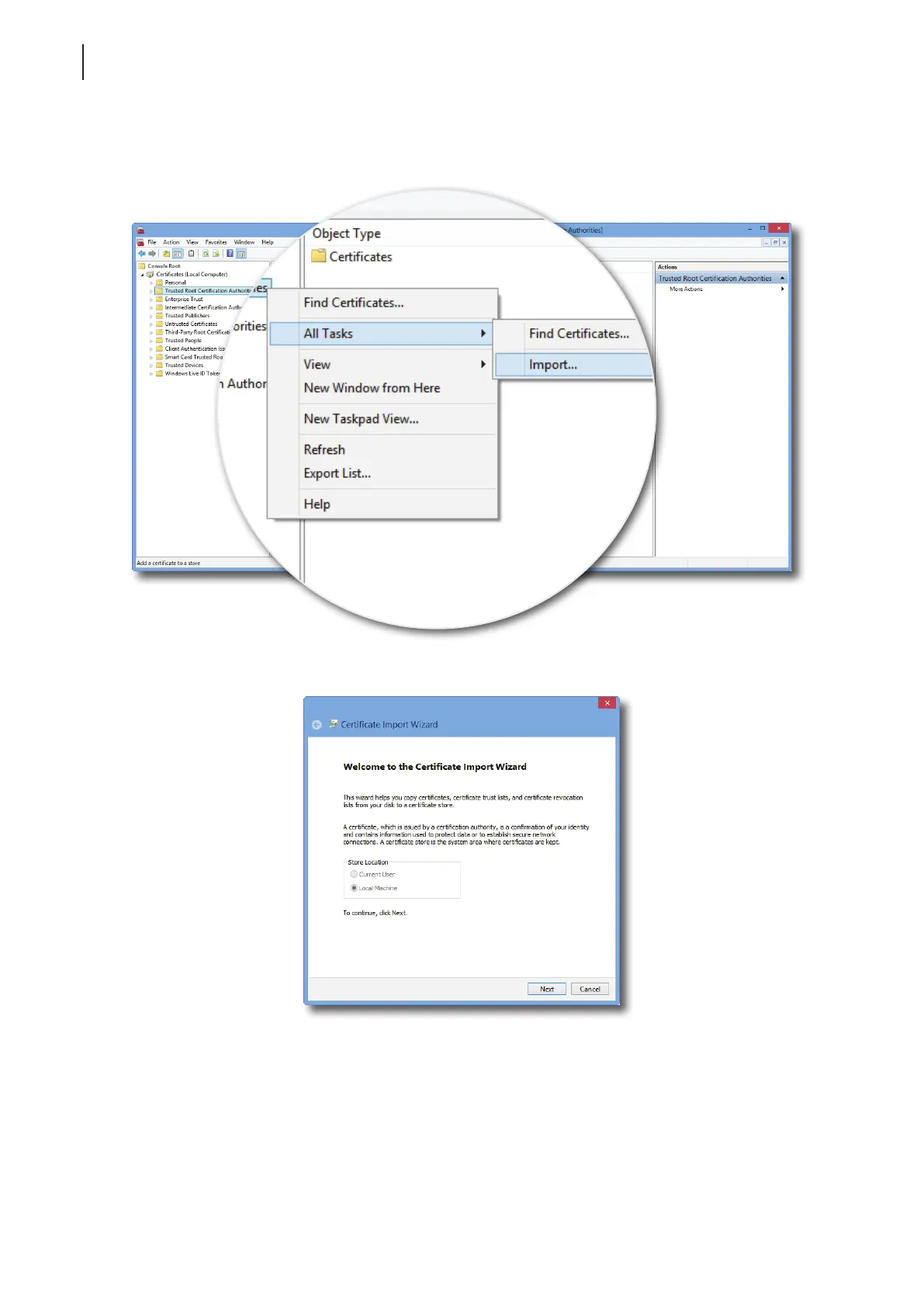
f. On the Console window, click to expand the group tree of Certicates, right-click on Trusted Root
Certication Authorities, and then select All Tasks > Import on the popup menu.
g. Follow the Certicate Import Wizard to import your certicate, and then close the Console window
when it’s done.



 To Next Page