11
Multiformat switcher MS-8 Reference Manual
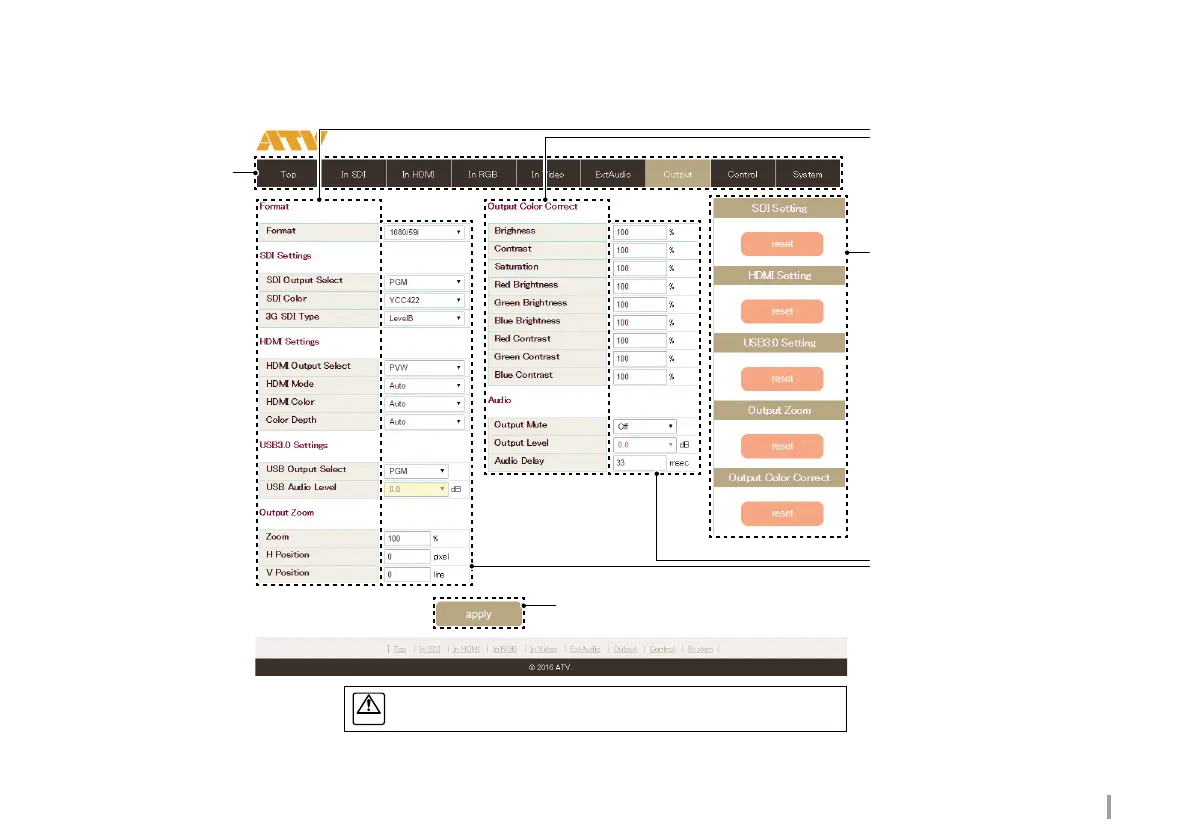
Parameter Setting screen
Press the apply button to save the new parameter value.
Displays the parameter
settings for selected
parameter group.
Parameter name
Display parameter groups and
parameter names.
reset button
Resets group parameters to the
factory settings.
Parameter value
Display the parameter value.
Input and select a value to change it.
apply button
Saves the updated parameter settings.



 To Next Page