4
Multiformat switcher MS-8 Reference Manual
Front Panel
2
1
2
Flashing
Display method
1
Turn on the electrical power after connecting a device to the HDMI
OUT connector.
2
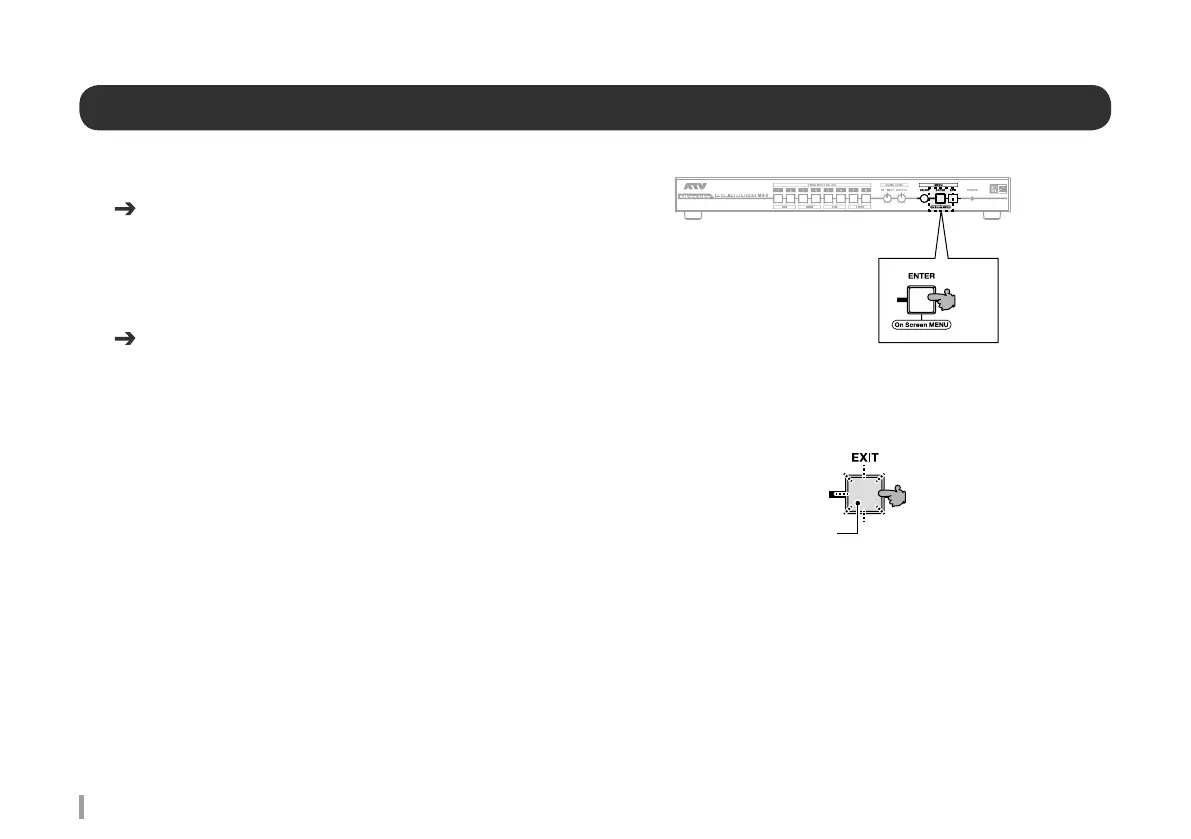
Press the MENU ENTER button.
Onscreen menu is displayed.
Refer to the parameter list for information on setting content and items.
When no video is displayed
1
With the onscreen menu hidden, press and hold the MENU EXIT
button for 10 seconds or longer.
2
The MENU EXIT button flashes.
Automatically specifies the most suitable format for the connected device.
* If the video display does not improve, connect to a different HDMI device.
Start Up Manual Refer to Connecting to a video output connector
Refer to Turning on the power.
Refer to P.13 Parameter list



 To Next Page