Note: The optics must be kept clean, and all dust must be removed before
use. If the welding head is to insert the optical fiber vertically, the welding head
must be rotated 90 degrees to a horizontal position, and then insert the optical
fiber to prevent dust from entering the interface and falling on the surface of
the lens. Fix the laser head after inserting the optical fiber.
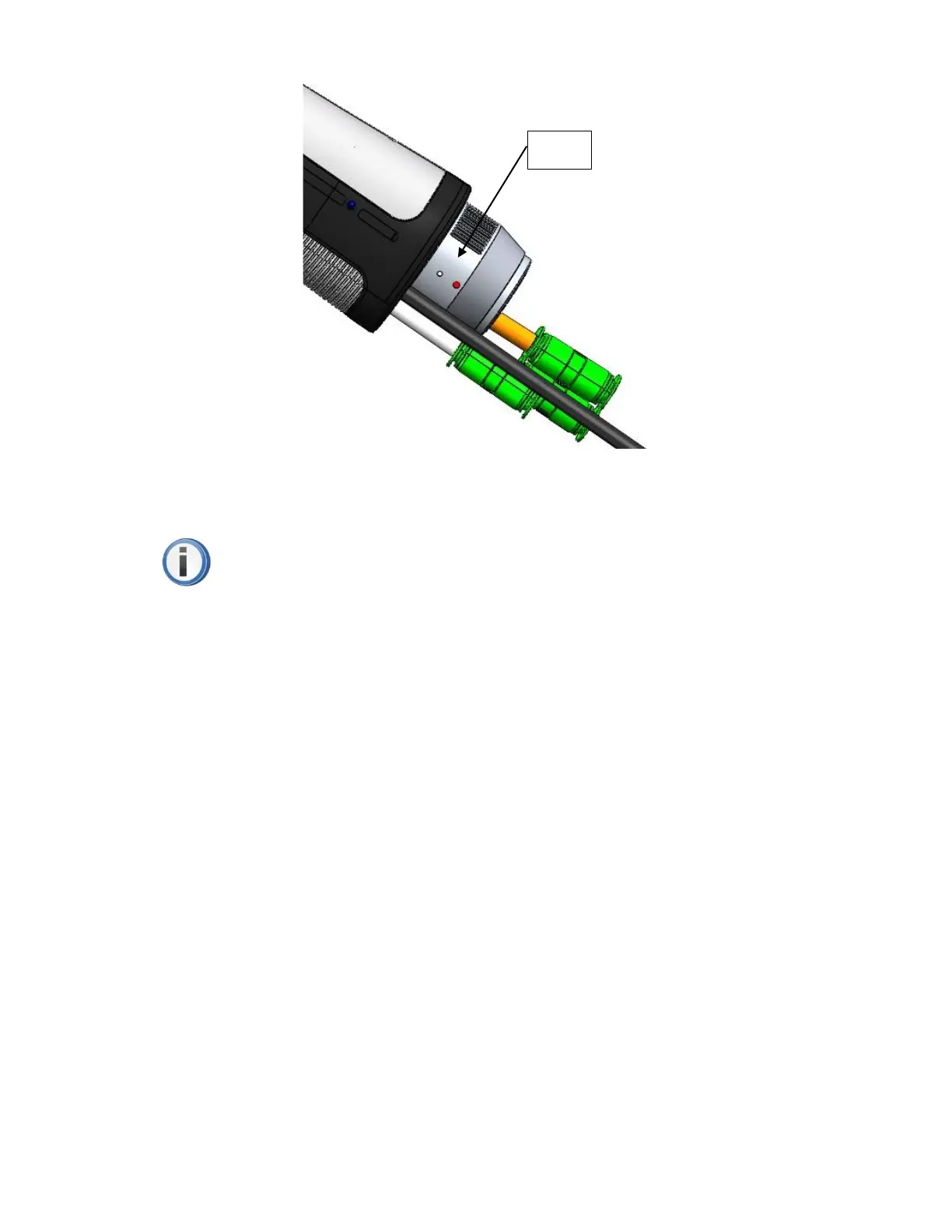
Fiber insertion and locking
First, align the red dots on the end face of the QBH interface with the
red dots of the rotating handwheel; then, remove the QBH dust cap, align the
red mark of the fiber output end with the QBH red mark, and insert it straight
to the bottom; next, rotate the QBH hand wheel clockwise to reach the right
position when hearing the "click" sound, then pull the handwheel upwards and
turn it clockwise again to the end. As shown in Figure 6 below.



 To Next Page