29
version:V1.00
1、Equipment installation and wiring
1.1 Wiring instructions for touch screen terminals
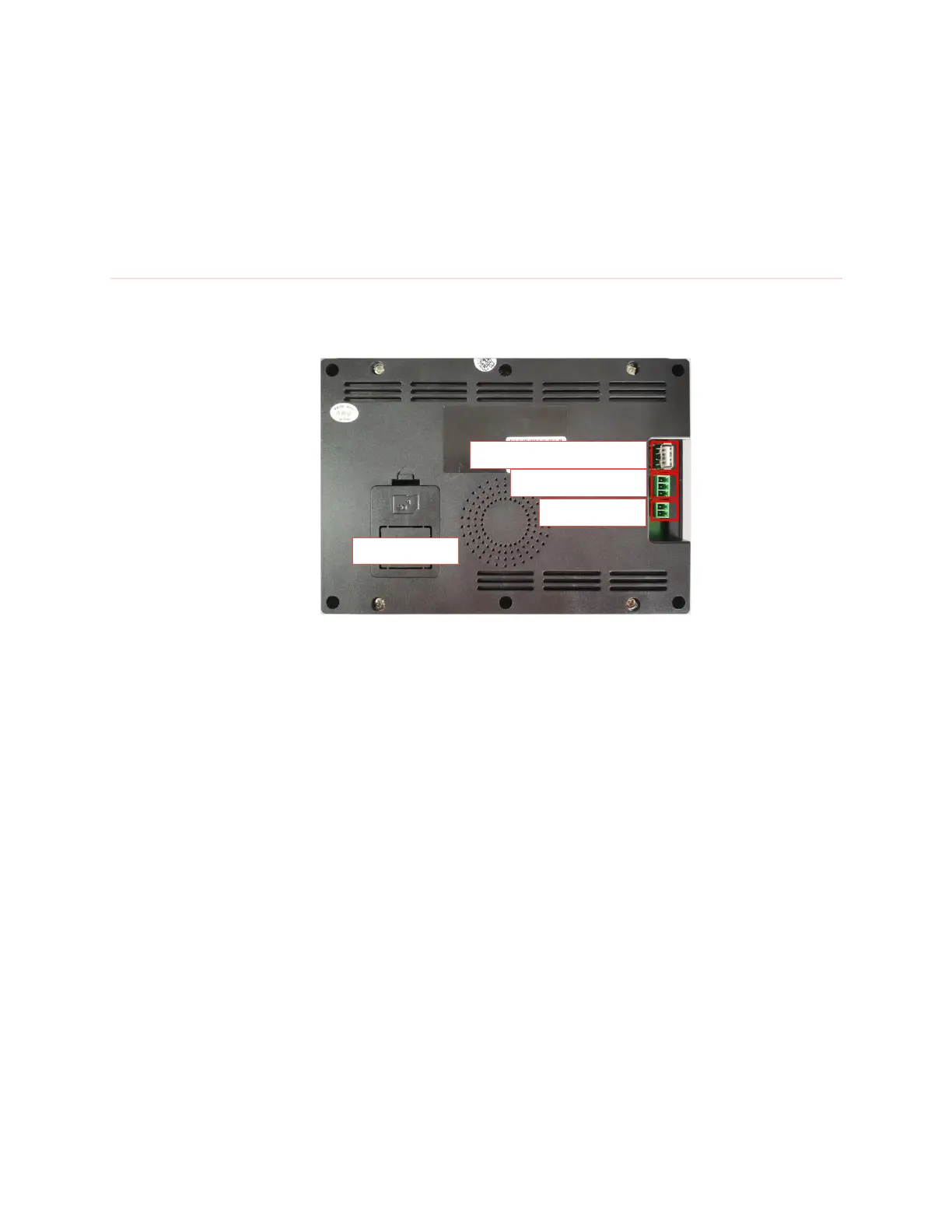
Touch screen wiring terminal
Terminal wiring instructions:
Power terminal: The screen uses 24V DC power supply. The terminals from top
to bottom are: power supply positive, power supply negative, and ground wire.
RS485 communication interface: This terminal is connected to the RS485
communication terminal of the controller through the RS485 communication line.
The terminals from top to bottom are: signal ground, RS485-B, RS485-A.



 To Next Page