23
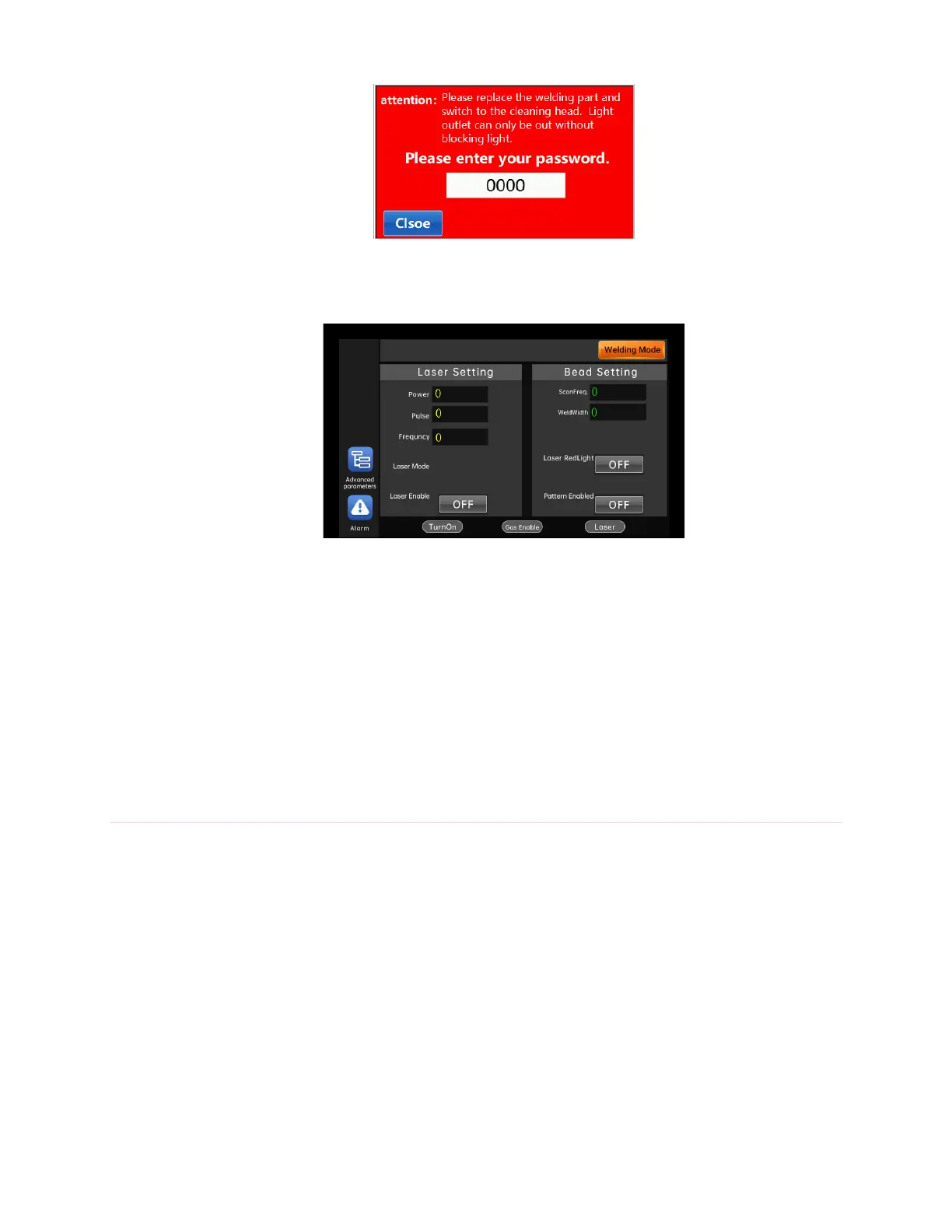
Enter the cleaning interface.
After switching to the cleaning mode, the light can be emitted only when
the ground wire clamp is clamped on the wire feeding assembly. Click "switch
to welding mode" in the upper right corner of the cleaning interface to switch
to the welding interface.
Instructions for welding head control module
Touch screen interface operation
1. Click the "Home" button.



 To Next Page