36
"Version Information": Display the current system's touch screen version,
controller software version, and controller hardware version.
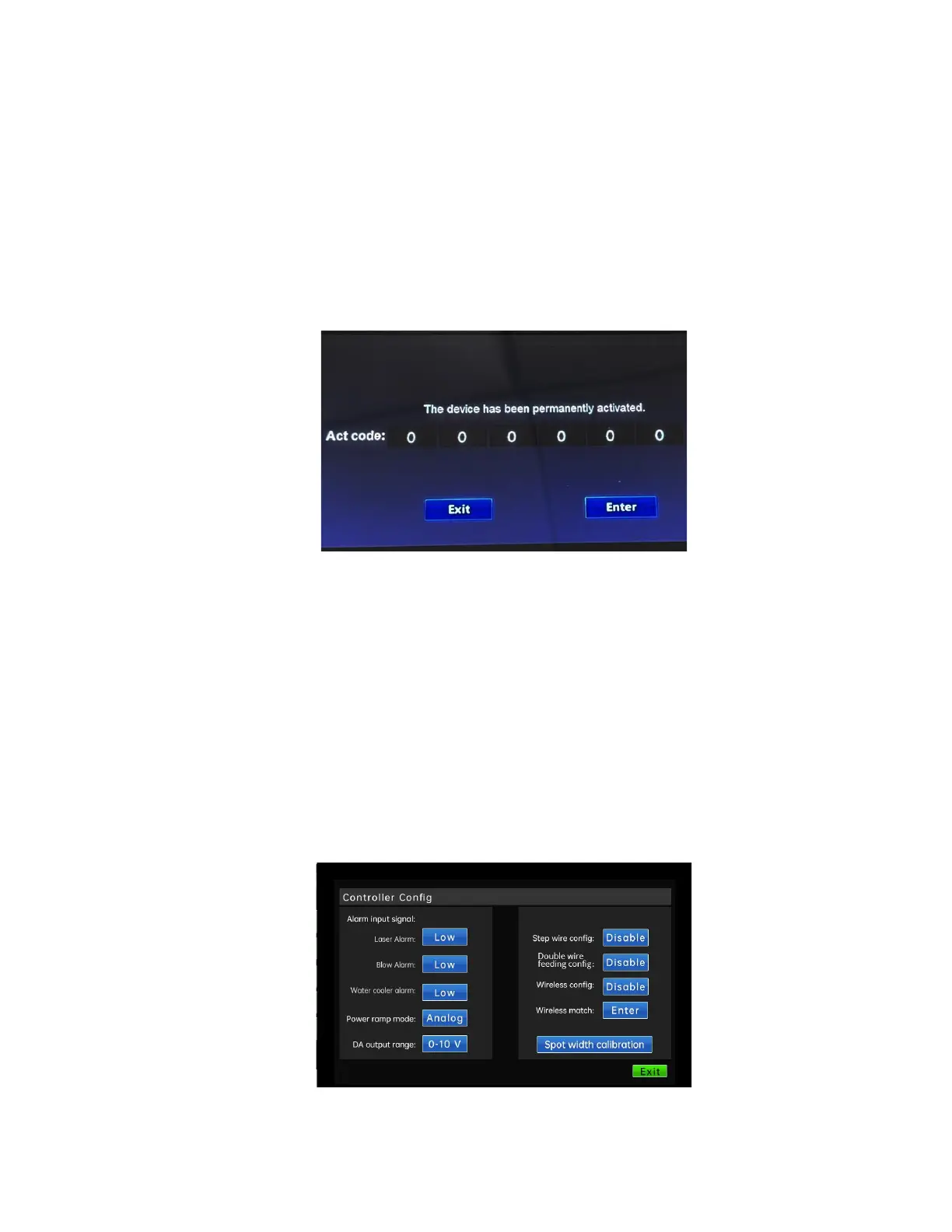
"Product Activation": Query the current device ID and encryption status.
The activation code is divided into six segments, each with 4 digits. After
entering the correct activation code, click "Activate" to update the
encryption time or permanently decrypt.
"Restore factory settings": The device is restored to the factory state.
"System restart": Restart the device.
2.3 Controller configuration interface
The password for entering the controller configuration interface is 2000.



 To Next Page