2
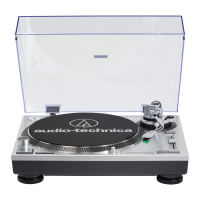
Audio-Technica USB Turntables
Contents
A note about software ....................................................................................................... 2
System requirements ........................................................................................................ 2
Installing Audacity software for Mac OSX and above ................................................... 3
Setting up your Mac (OSX and above) to work with your USB Turntable ................. 4
Additional Mac audio settings .......................................................................................... 6
Installing Audacity software for PC .................................................................................. 7
Setting up your PC (with Windows XP) to work with your USB Turntable ................ 8
Setting up your PC (with Windows Vista or Windows 7) to work with
your USB Turntable ...................................................................................................... 11
Setting up your PC to work with Audacity ................................................................... 13
Recording albums with Audacity ................................................................................... 15
To learn more about Audacity ........................................................................................ 15
A note about software
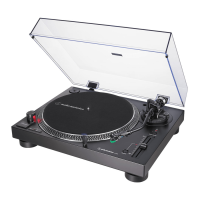
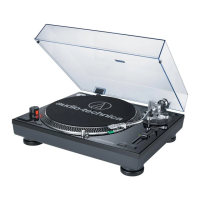
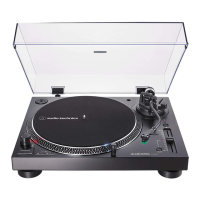
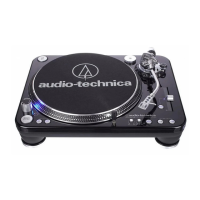
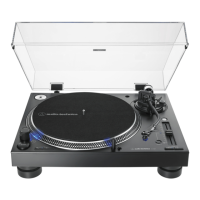
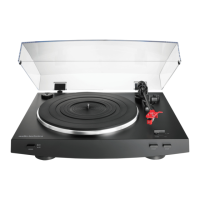
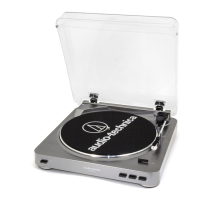
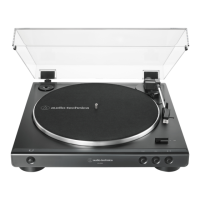
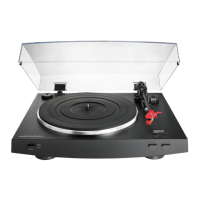
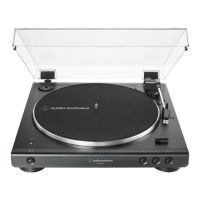
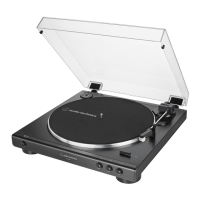
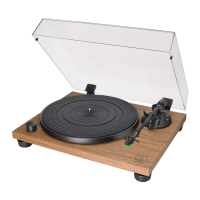
Your Audio-Technica AT-LP60-USB, AT-LP120-USB, AT-LP240-USB or AT-LP1240-USB
turntable is supplied with Audacity recording software for your convenience. Please note
that other third-party recording software packages are also compatible with this turntable.
Audacity is free software, distributed under the GNU General Public License (GPL). More
information and open source code is on the included Audacity CD and on the Audacity
web site: http://audacity.sourceforge.net
System Requirements
PC or Mac with an available USB port (USB1.1 or higher)
CD-R or CD-RW writer for burning CDs & installation
Audacity requires:
Mac running OSX* or; PC running Windows (XP or above*)
*
NOTE: For use with Windows 7, Windows Vista and Mac OSX 10.6/10.7: If the Audacity
recording software included with this turntable is version 1.2.6, please download Audacity
recording software for these operating systems from http://audacity.sourceforge.net.
Mac is a trademark of Apple Inc., registered in the U.S. and other countries.
Windows is a registered trademark of Microsoft Corporation in the U.S. and other countries.


 To Next Page
 Loading...