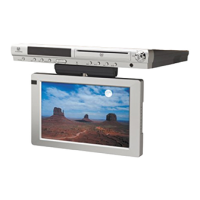
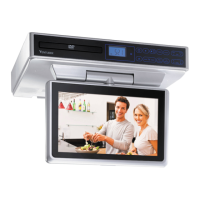
CONTROL REFERENCE GUIDE
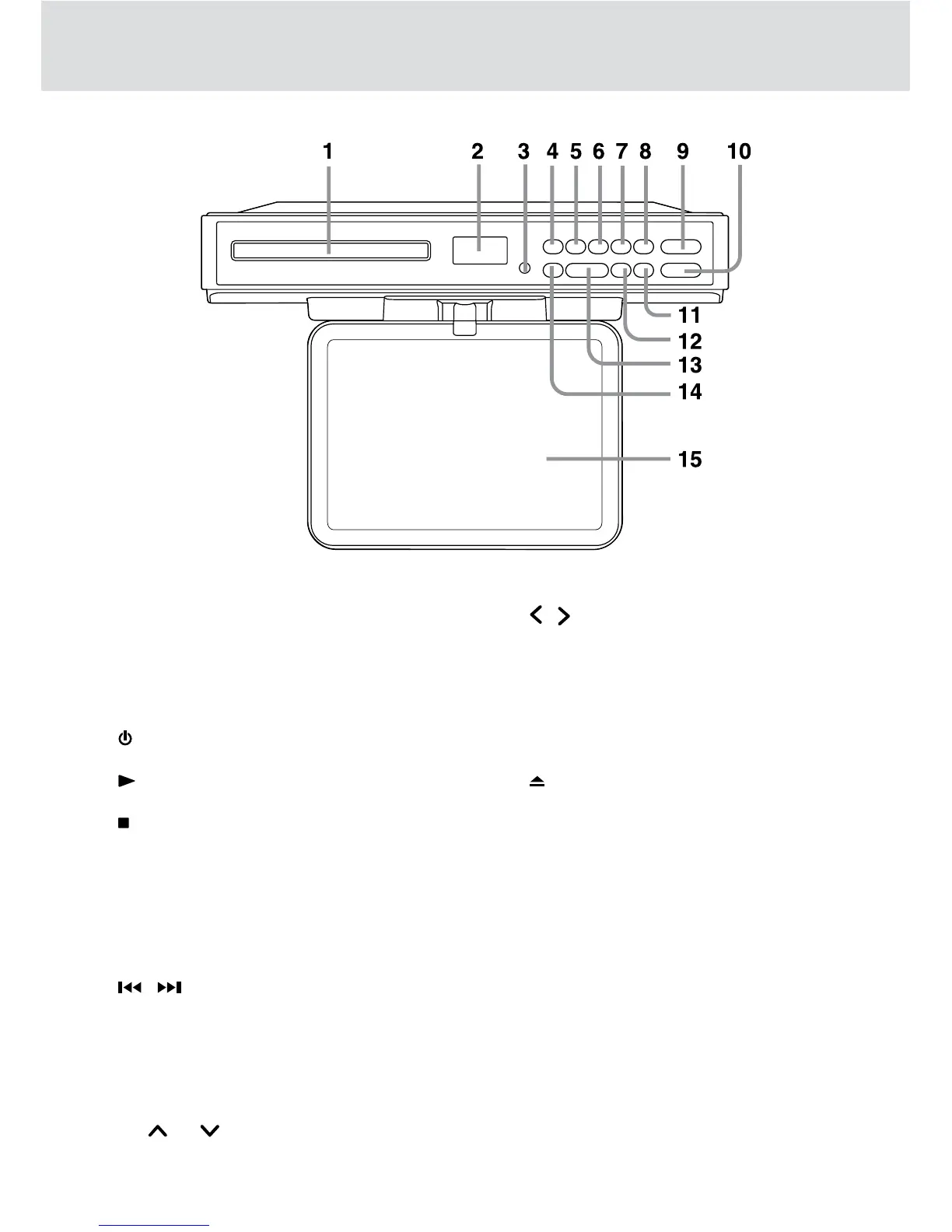
1) Disc Tray
Press OPEN/CLOSE button to open or close
the tray.
Place a disc on the disc tray, label side up.
2) Display Window
Displays system information.
3) Remote Sensor
Receives the remote control unit signals.
4) ON/OFF Button
Turns the unit on and off.
5) PLAY Button
Press to start or resume playback of a disc.
6) /AM/FM Button
Stops playing a disc.
Switches between AM and FM.
7) TIMER Button
Use to set the cooking timer.
8) ENTER Button
Use to enter the sub-menu and confirm selections
on a menu screen.
9) / Button
Press to go back to previous chapters / tracks
in DVD mode.
Press to advance to chapters / tracks in DVD
mode.
Use to search for a station automatically or select
presetted stations.
CH CH Button
Press to change TV channel in TV mode.
Unit
10) VOL+ / -Button
Increases/decreases the volume level.
/ Button
Makes adjustments to certain settings.
11) TV MENU Button
Opens and closes the TV menu.
12) SET CLOCK Button
Use to set the current time.
13) DVD/TV/RADIO Button
Use to select DVD, TV or RADIO mode.
14) OPEN/CLOSE Button
Use to open / close the disc tray.
15) Screen


 To Next Page