EasyManua.ls Logo

Audiovox AVE9103 - User Manual

Audiovox AVE9103
32 pages
Print Icon
To Next Page IconTo Next Page
Loading...
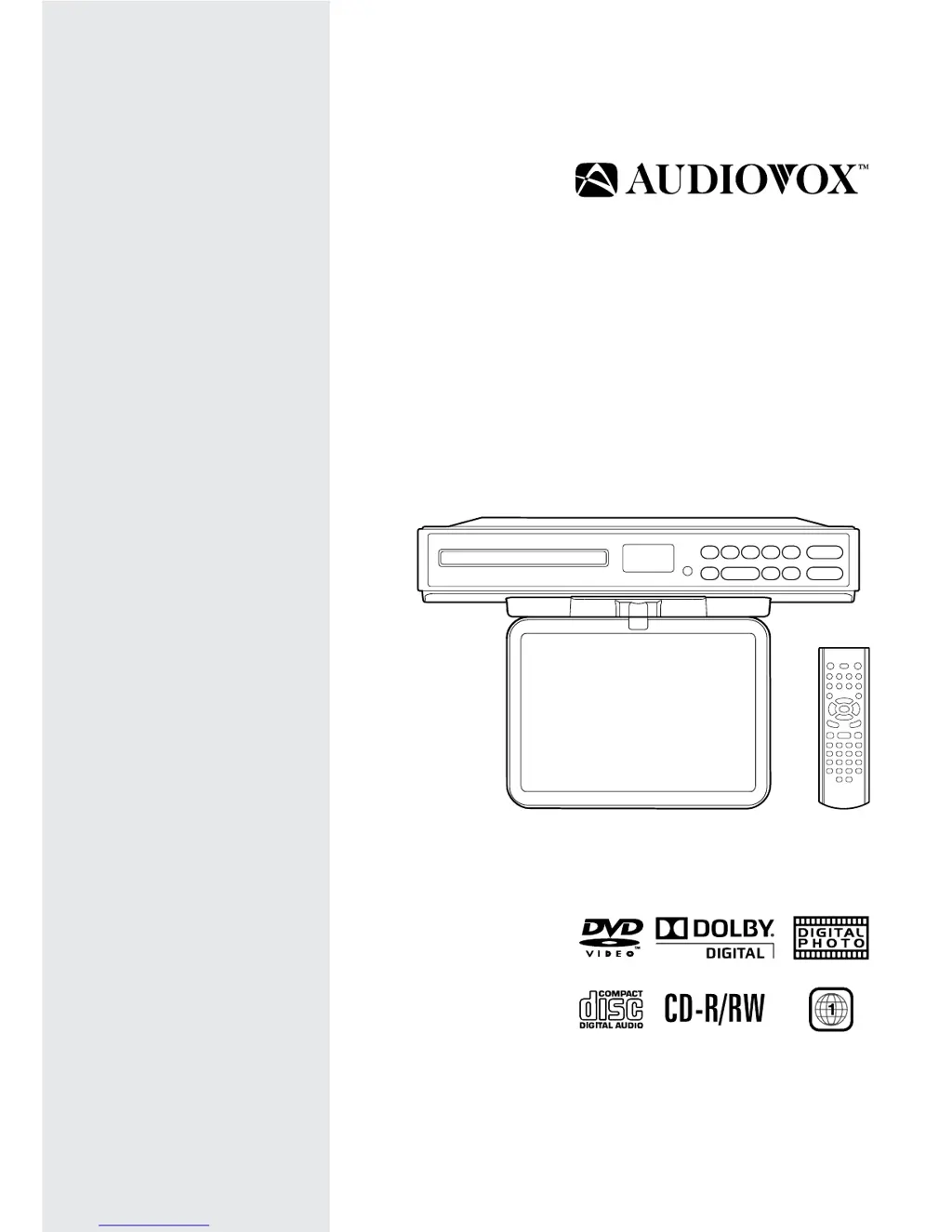
OWNER’S MANUAL
AVE9103
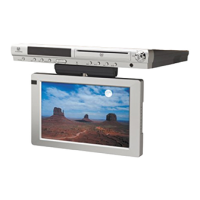
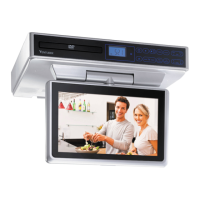
10” Kitchen LCD TV
/ DVD Combo

Questions and Answers

Summary

Safety Precautions

Warnings and Symbols

Details warnings and cautionary symbols for electrical shock, laser exposure, and battery safety.

Safety Precautions

FCC Information and Usage Precautions

Covers FCC compliance, environmental conditions, placement, ventilation, condensation, and copyright.

Important Safety Instructions

General Safety Guidelines

Provides essential guidelines for safe operation, installation, and maintenance of the unit.

Battery Precautions

Outlines precautions for handling and disposing of batteries to prevent hazards.

Disc Formats

Region Management Information

Explains DVD region coding and compatibility restrictions for the unit.

Unavailable Disc Functions

Describes symbols indicating unavailable functions or operations on certain discs.

DVD Icons and Structure

Illustrates and explains common DVD icons and the division into titles, chapters, and tracks.

Accessories

Included Accessories Checklist

Lists all items included in the product package for user verification.

Remote Control

Using the Remote Control

Instructions on how to operate the remote control and its effective distance.

Battery Installation and Replacement

Step-by-step guide for inserting batteries and precautions for replacement.

Control Reference Guide

Remote Control Buttons (Part 1)

Details functions of remote control buttons like MUTE, STANDBY/ON, DISPLAY, PICTURE, ANGLE, RETURN/EXIT, DVD MENU, CURSOR, VOLUME, STOP, PREV, NUMBER, FORMAT.

Control Reference Guide

Remote Control Buttons (Part 2)

Details functions of remote control buttons like FUNCTION, GOTO, SUBTITLE, SOUND, AUDIO, MTS, TV MENU, PLAY, PAUSE, TUNING, NEXT, LAST CH, MEMORY, SETUP, REPEAT.

Control Reference Guide

Unit Controls (Front Panel)

Explains the functions of the buttons and indicators located on the front panel of the unit.

Mounting Instructions

Tools Needed

Lists the necessary tools for mounting the unit, including drill bits and screwdriver.

Mounting without Cabinet Overhang

Step-by-step guide for securely mounting the unit to a cabinet bottom without an overhang.

Mounting Instructions

Mounting with Cabinet Overhang

Instructions for mounting the unit using spacers to accommodate cabinet overhangs.

Mounting Suggestions and Cautions

Provides tips for drilling, avoiding obstructions, and safety during installation.

Connections

Connecting Antenna and Video Equipment

Guides for connecting TV antenna, CATV, satellite, and video equipment using video cables.

Connecting the AM LOOP Antenna

Steps for connecting the included AM LOOP antenna for optimal reception.

Connections

Plugging in the Unit

Instructions on connecting the AC power cord to the outlet and voltage verification.

Monitor Operation

Opening and Positioning the Monitor

Detailed illustrations and instructions on how to open and adjust the unit's screen.

Unit Operation

Turning the Unit On

Steps to power on the unit and select between DVD, TV, and RADIO modes.

Sound System

Dolby Digital for DVD

Explanation of Dolby Digital technology for DVD audio playback.

Setting the Clock

Adjusting the Clock

Step-by-step guide to set the current time on the unit's display.

Setting the Cooking Timer

Setting and Cancelling the Timer

Instructions for setting the cooking timer and cancelling it.

Playing a Disc

Playing a Disc Basics

General steps for loading, playing, pausing, stopping, and skipping tracks/chapters on a disc.

Fast Forward and Reverse

How to use fast forward and fast reverse functions during disc playback.

Playing a Disc

Angle and Subtitle Selection

How to select different camera angles and subtitle languages for DVDs.

Audio Selection

How to select different audio formats or channels for DVD and CD playback.

Playing a Disc

Display Function

How to display operation status information during disc playback.

Locating Specific Title;Chapter or Time

Method to directly select and play specific titles, chapters, or time points on a DVD.

Repeat Playback

Repeat Playback Options

Instructions for repeating chapters, titles, entire discs, or single tracks.

Programmable Memory

Title;Chapter Programmed Playback

How to create custom playback sequences by selecting favorite titles and chapters.

Track Programmed Playback

How to create custom playback sequences by selecting favorite tracks from a CD.

Viewing JPEG Files

JPEG File Viewing and Controls

Instructions for viewing JPEG files, slide show controls, and picture rotation.

JPEG Playback Repeat and Picture Mode

How to set JPEG playback to repeat and select picture modes.

Customizing the Function Settings

Language Setup

Guide to setting the OSD language and handling disc language preferences.

Customizing the Function Settings

Video Setup

Options for adjusting picture settings like TV Type, Pan Scan, Letter Box, and Wide Screen.

System Setup

Instructions for resetting the unit to factory default settings.

Using the TV

Scanning for TV Channels

Steps for automatically scanning and storing available TV channels.

TV Channel Setting Options

How to adjust settings like Antenna, Auto Scan, Channel Skip, and Channel Label.

Using the TV

Channel Skip and Labeling

How to skip specific channels and edit custom labels for TV channels.

Watching Television

Basic operation for selecting channels and viewing TV programs.

TV Setup

Picture Setting Adjustments

Detailed adjustments for picture parameters like Mode, Contrast, Brightness, Color, Tint, Sharpness, and Color Mode.

Audio Setting Adjustments

Adjustments for sound parameters including Sound Mode, Bass, Treble, Balance, Audio Language, and MTS.

TV Setup

Time and Language Setup

Configuration for Time Zone, Clock, and On-Screen Display (OSD) language.

Closed Caption Setup

Instructions for setting up and managing closed captioning for ATSC broadcasts.

TV Setup

CC Mode and Restore Settings

Details on CC modes, digital caption styles, and restoring factory default settings.

Listening to the Radio

Manual and Automatic Radio Tuning

Steps to manually tune and automatically search for AM/FM radio stations.

Presetting Radio Stations

Instructions for storing and recalling favorite radio stations directly.

Troubleshooting Guide

DVD Playback Troubleshooting

Solutions for common DVD playback problems like no power, no sound, or no picture.

TV Reception Troubleshooting

Troubleshooting steps for TV reception problems like snowy picture, color issues, or no picture/sound.

Maintenance

Cleaning Discs and Unit

Guidelines for properly cleaning discs and the exterior of the unit.

Specifications

Power Source

Details the unit's power source requirements (voltage and frequency).

Limited Warranty

Warranty Coverage and Service

Details the warranty coverage, duration, and service procedures for the product.

Owner Responsibilities and Out-of-Warranty Service

Outlines owner duties and how to get service after the warranty expires.

Audiovox AVE9103 Specifications

General IconGeneral
DVD PlayerYes
Aspect Ratio16:9
Display TypeLCD
Built-in SpeakersYes
Screen Size9 inches
Resolution480 x 234
Output PortsHeadphone jack
Power SourceAC adapter
Supported DVD FormatsDVD, CD

Related product manuals