23
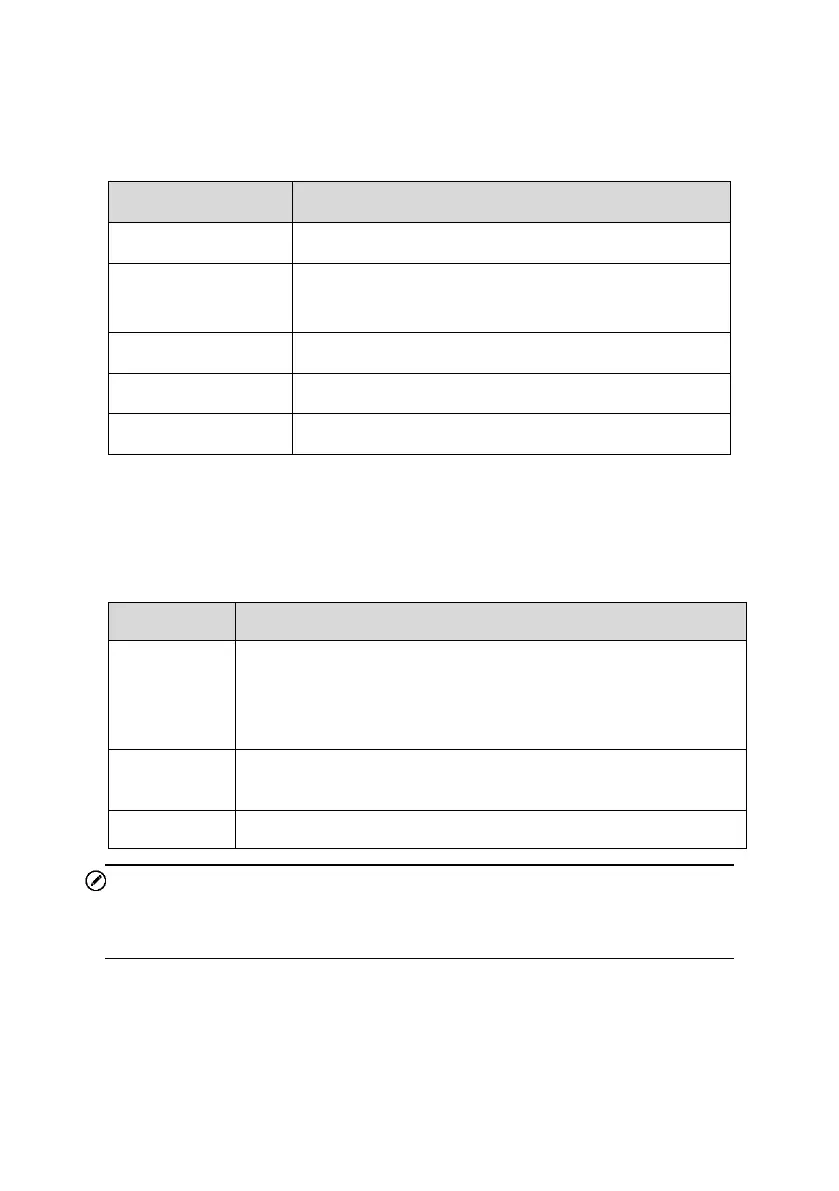
Table 4-2 Battery Test Results
Battery is in good condition. The battery should be
charged.
Charge the battery and retest.
Function Buttons
The Function Buttons displayed at the bottom of the screen will vary depending
on the operation. Functions include Report and Replace Battery. The table
below provides a brief description of these operations:
NOTE
Please always complete the Battery test before proceeding to the Starter and
Generator tests.
Tap to view the test data and results in report form. Tap Print
on the bottom of the screen to print the test report to the built-
in thermal printer. Tap Email to send the test results to an
email address.
Tap to continue to the Battery Change function if needed. See
Battery Change on Page 29.
Tap to perform the next test.


 To Next Page