10
The tablet screen is locked by default when first powered on. It is
recommended to lock the screen to protect the information in the system
and reduce the power consumption.
The touch screen navigation is menu driven, enabling quick access to
functions and features by tapping on options headings and answering dialog
windows. Detailed descriptions of the menu structures are found in
application chapters.
Application Buttons
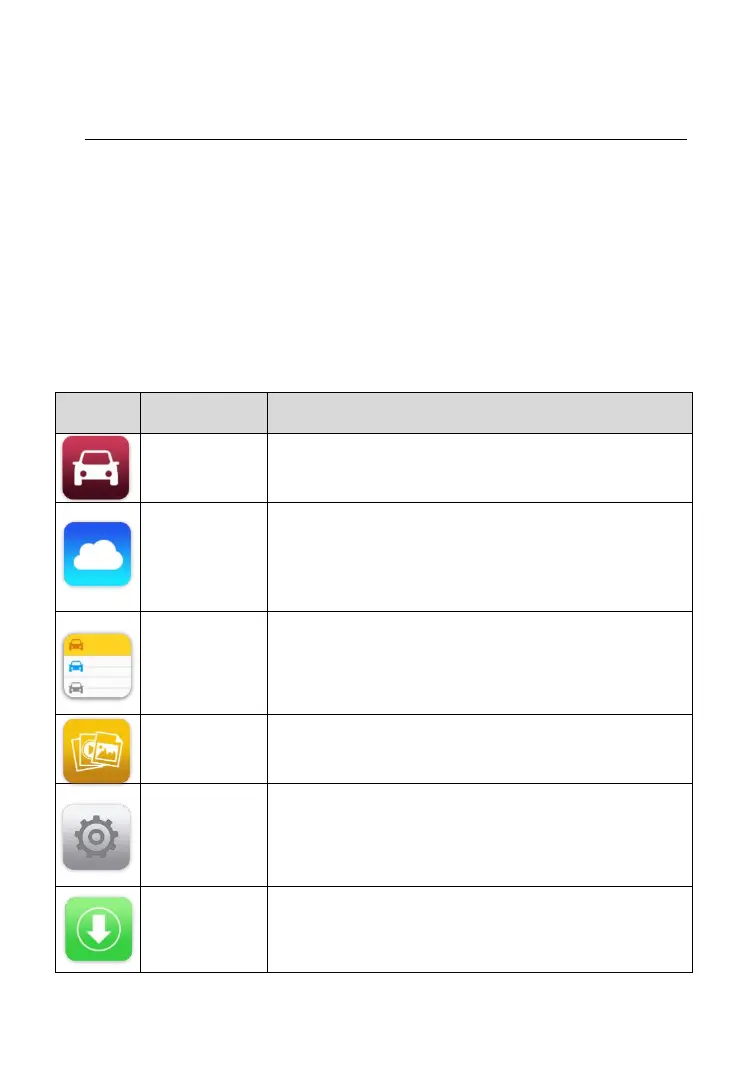
Descriptions of the tool applications are displayed in the table below.
Table 3- 1 Applications
Accesses diagnostic function menu. See
Diagnostics on page 14 for details.
Launches the MaxiFix platform which provides the
most compatible and abundant repair techniques
and diagnostics database. See MaxiFix on page
47 for details.
Accesses Shop manager database to store
workshop, customer information and vehicle test
history. See Shop Manager on page 57 for details.
Accesses the organization system for saved data
files. See Data Manager on page 65 for details.
Accesses MaxiPRO system settings menu and
general tablet menu. See Settings on page 70 for
details.
Checks for the latest update available for the
MaxiPRO system and performs updates. See
Update on page 79 for details.














 To Next Page