25
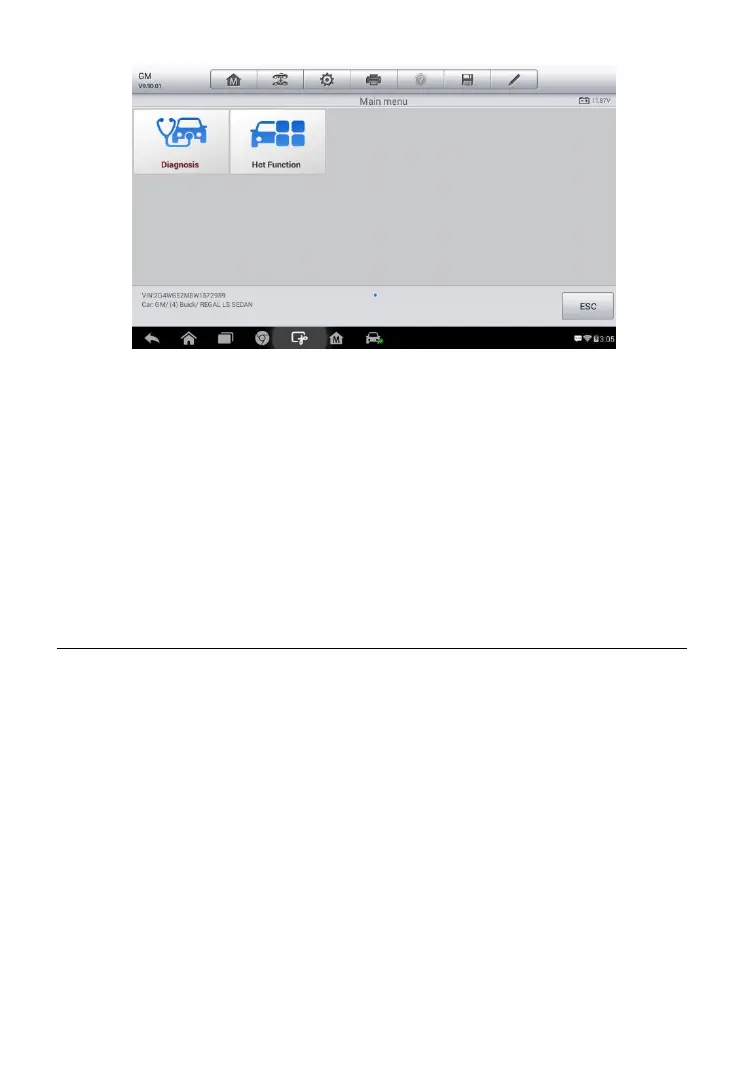
1. Diagnosis – a comprehensive section which includes all available
functions: reading, clearing, saving and printing diagnostic information,
as well as performing active tests and special functions.
2. Hot Function – a separate section designed to perform vehicle
scheduled service and maintenMance, such as to reset the service
lights and perform calibration for various systems.
After a selection is made and the tablet establishes communication with the
vehicle, the corresponding function menu or selection menu displays.
Diagnosis
There are two options available when accessing the Diagnosis section:
1. Auto Scan – starts auto scanning for all the available systems on the
vehicle.
2. Control Units – displays a selection menu of all available control units of
the test vehicle.
Figure 4- 9 Sample Main Menu















 To Next Page