58
Opens a note form. Audio, video, image and text
files may be attached.
Displays the Vehicle History which the
corresponding test vehicle records.
Completes editing and saves the file.
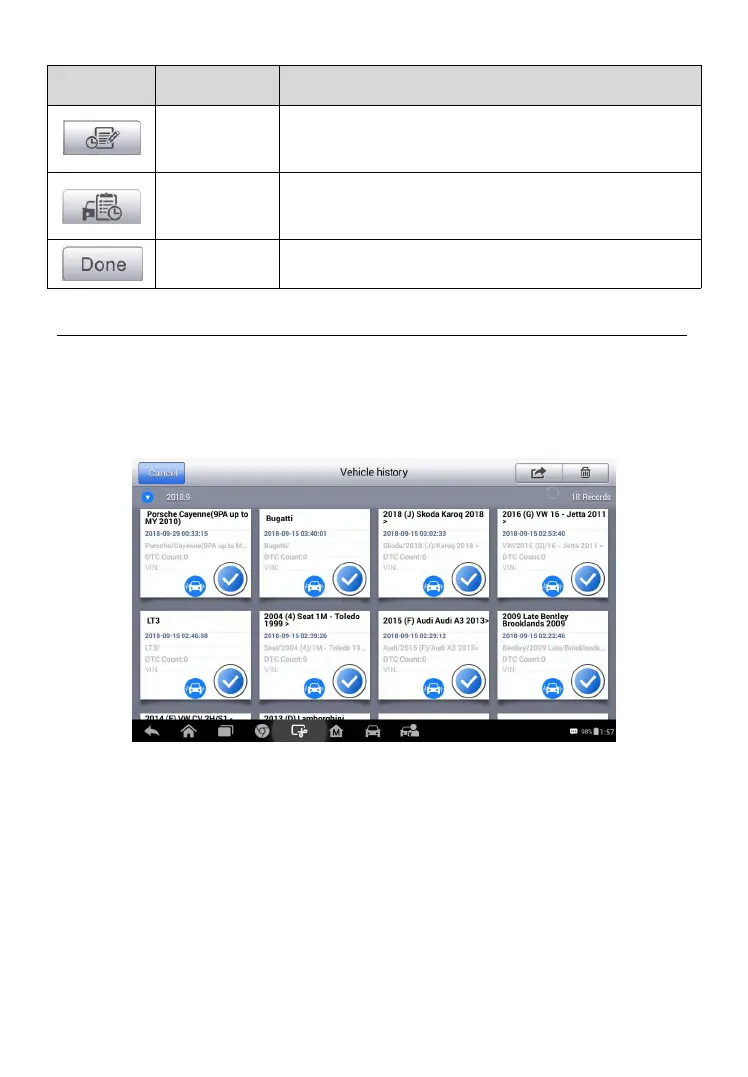
Vehicle History
This function stores test vehicle history records, including vehicle
information and the retrieved DTCs from previous diagnostic sessions. All
information is displayed in summarized details. Tap on a record to resume a
diagnostic session on a “stored vehicle”.
To activate a test session for the recorded vehicle
1. Tap the Shop Manager application on the MaxiPRO Job Menu.
2. Select Vehicle History.
3. Tap the Diagnostics button at the bottom of the thumbnail of a
vehicle record item.
4. Or tap the vehicle record thumbnail to view record.
Figure 6- 1 Sample Vehicle History Screen















 To Next Page