59
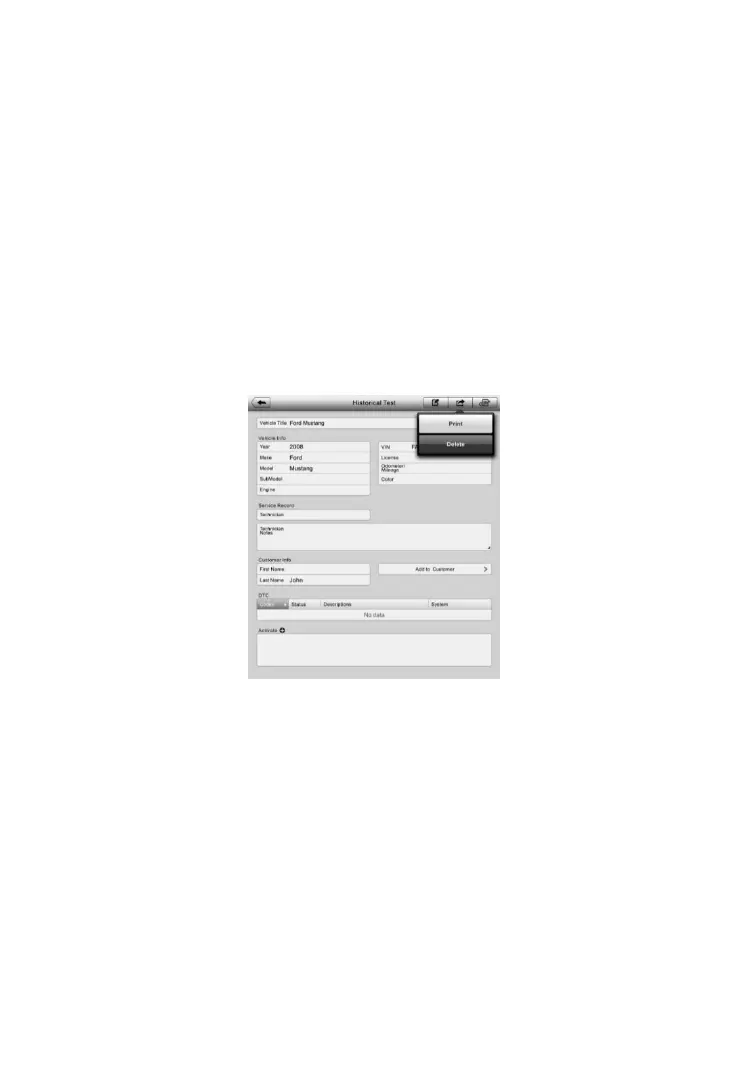
5. A Historical Test record sheet displays. Check the recorded
information of the recorded test vehicle and tap the Diagnostics
button on the upper right corner.
6. The vehicle’s Diagnostics screen displays. Now a new diagnostic
session is activated, see Diagnosis on page 25 for detailed
instructions on vehicle diagnostic operations.
Historical Test Record
The Historical Test record sheet is a detailed data form that includes general
vehicle information such as vehicle year, make and model. The form also
includes retrieved DTC from previous test and all information manually
inputted by the technician.
To edit the Historical Test record sheet
1. Tap the Shop Manager application on the MaxiPRO Job Menu.
2. Select Vehicle History.
3. Select the specific vehicle history record thumbnail from the main
section. The Historical Test record sheet displays.
4. Tap the Edit button to start editing.
5. Tap on each item to input the corresponding information or add
attaching files or images.
Figure 6- 2 Sample Historical Test Record Sheet















 To Next Page