78
Refer to Android documentation for additional information about Android
system settings.
About
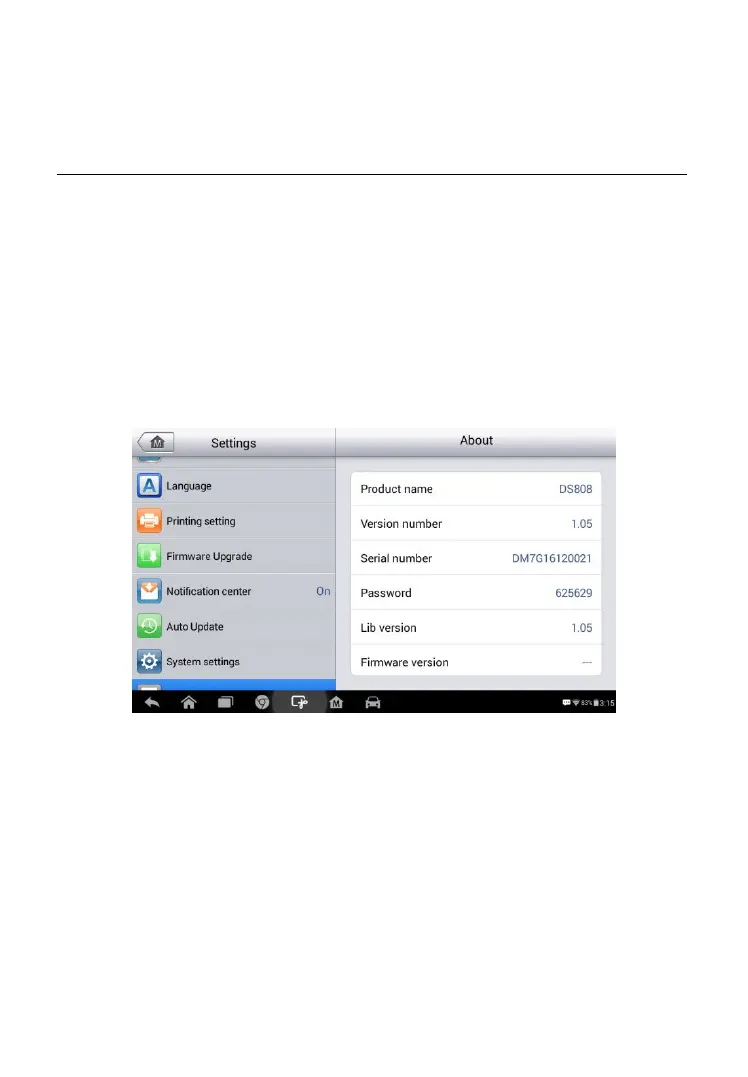
About displays information regarding the MaxiCheck diagnostic device
including the product name, version, hardware, and serial number.
To check the MaxiPRO product information in About
1. Tap the Settings application on the MaxiPRO Job Menu.
2. Tap the About option on the left column. The product information
screen displays on the right.
3. Tap the Home button on the top left corner to return to the
MaxiPRO Job Menu, or select another setting to adjust.
Figure 8- 9 Sample About Screen















 To Next Page