12 | P a g e
Installation
Physical Connections:
1. Move the machine to the desired location
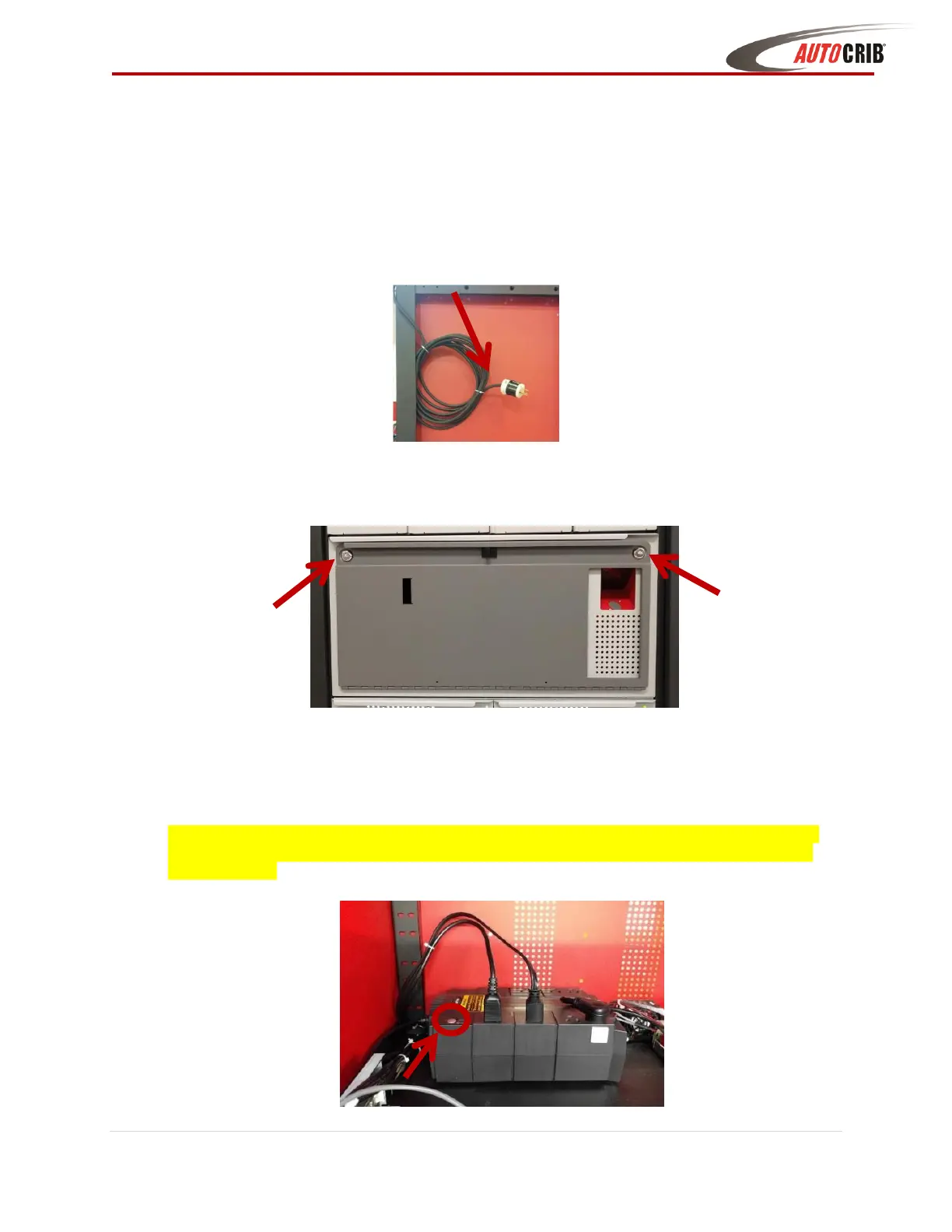
2. Plug the FX AutoLocker into a grounded 110v receptacle
3. Unlock and pull Open the Touch Controller drawer using the key provided with the
machine shipment
4. Press and hold the UPS Battery power button for two seconds then release to turn on the
power (battery is located towards the back-left corner of the frame behind the touch
controller drawer).
Note: UPS is only provided with machines shipped within North America, Canada, and Mexico.
For machines shipped to countries outside those areas you will need to purchase and install a
compatible plug



 To Next Page