19 | P a g e
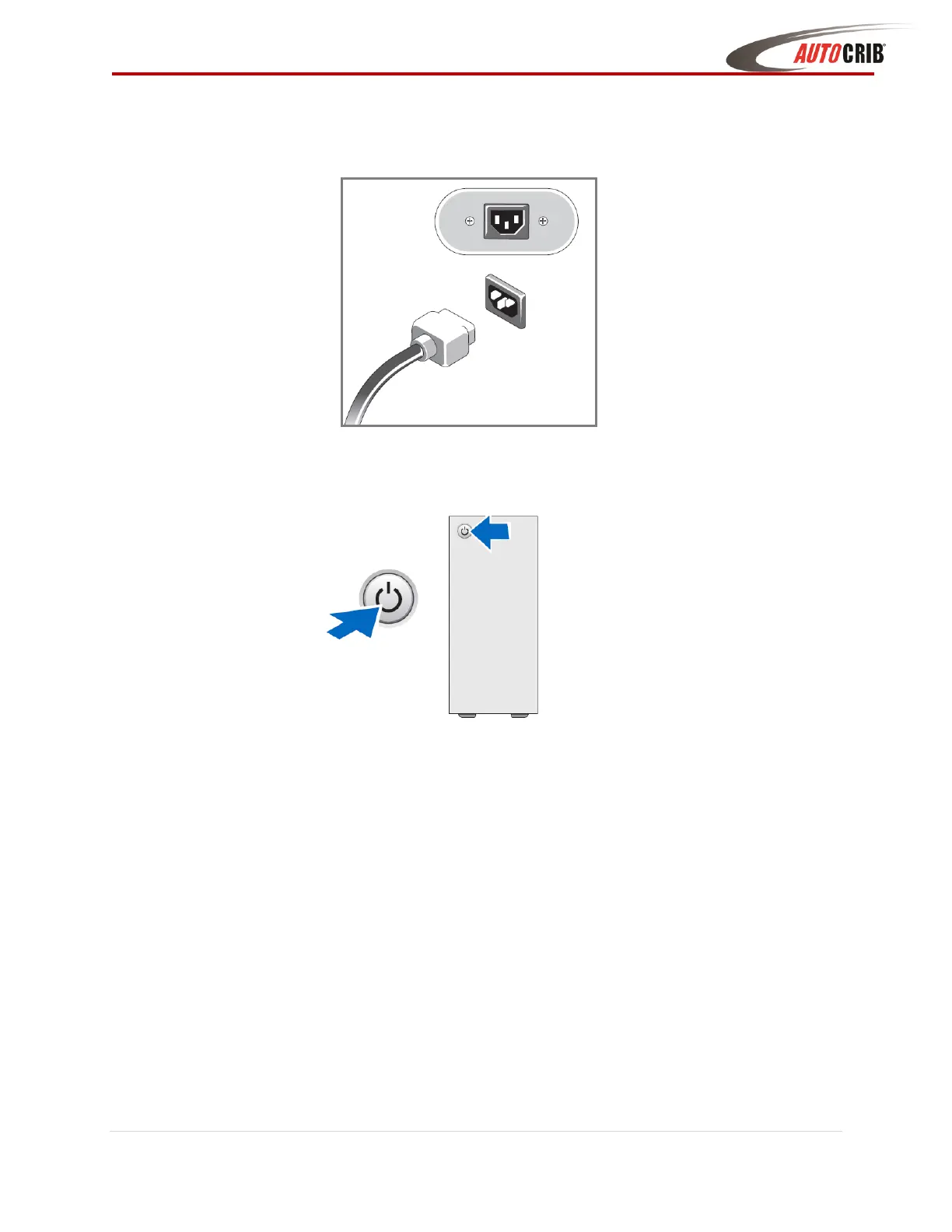
4. Connect the power cables on the monitor and computer. If using a hub, connect the
power cable as well
5. Press the power button on the computer and monitor
6. Exit out of the AutoCrib software
7. Ask the network administrator to properly configure the network LAN settings on the
management station and FX Lockers.



 To Next Page