36 | P a g e
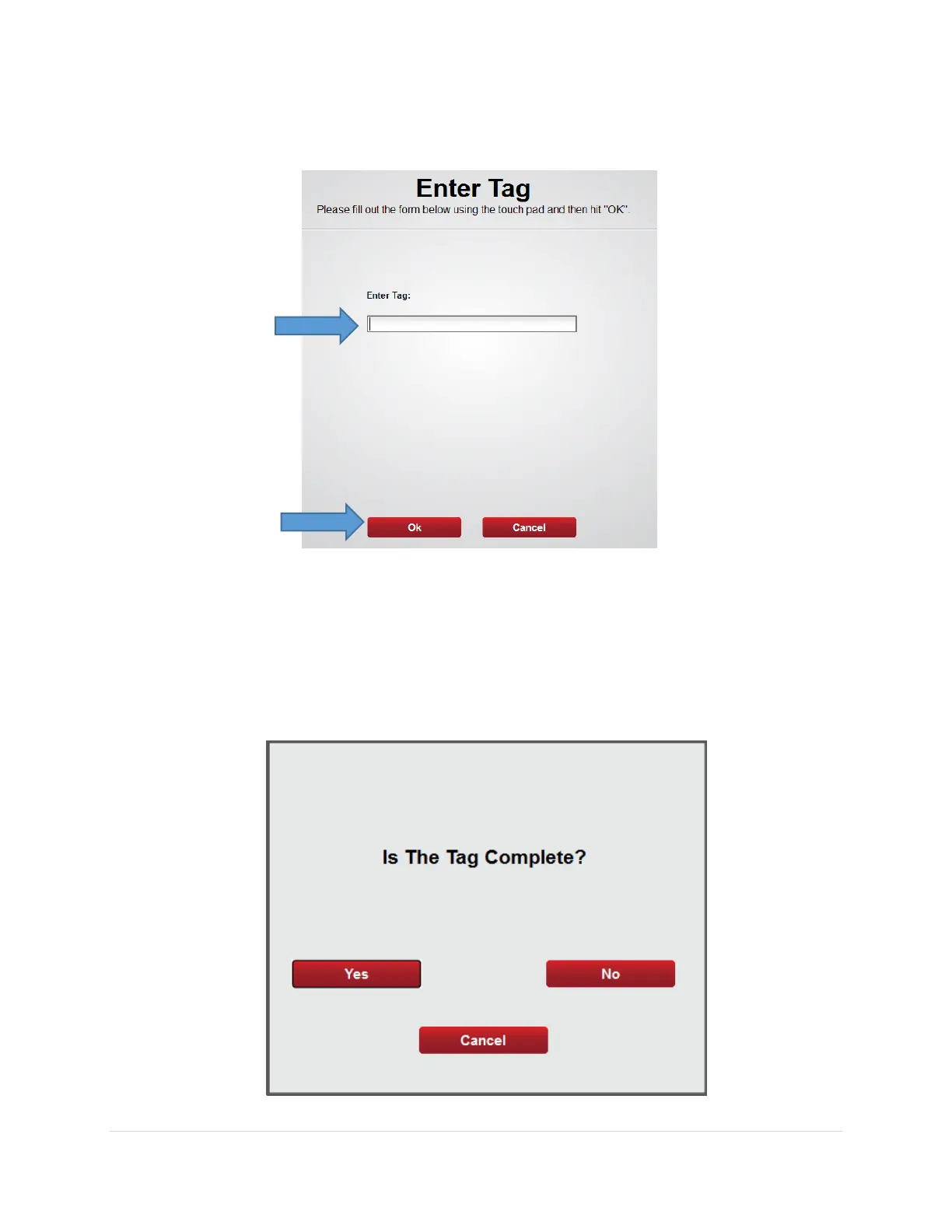
6. From the Enter Tag screen Enter the Tag number noted on the Inventory Input
Sheet – Vending then select Ok
7. Is The Tag Complete? screen will appear
• Yes – Select Yes if all items on the tag are available for stocking
• No – Select No if not all items on the tag are available for stocking
Note: If the tag is not complete, you will be asked if the part can be fulfilled for each
line on the tag



 To Next Page