49 | P a g e
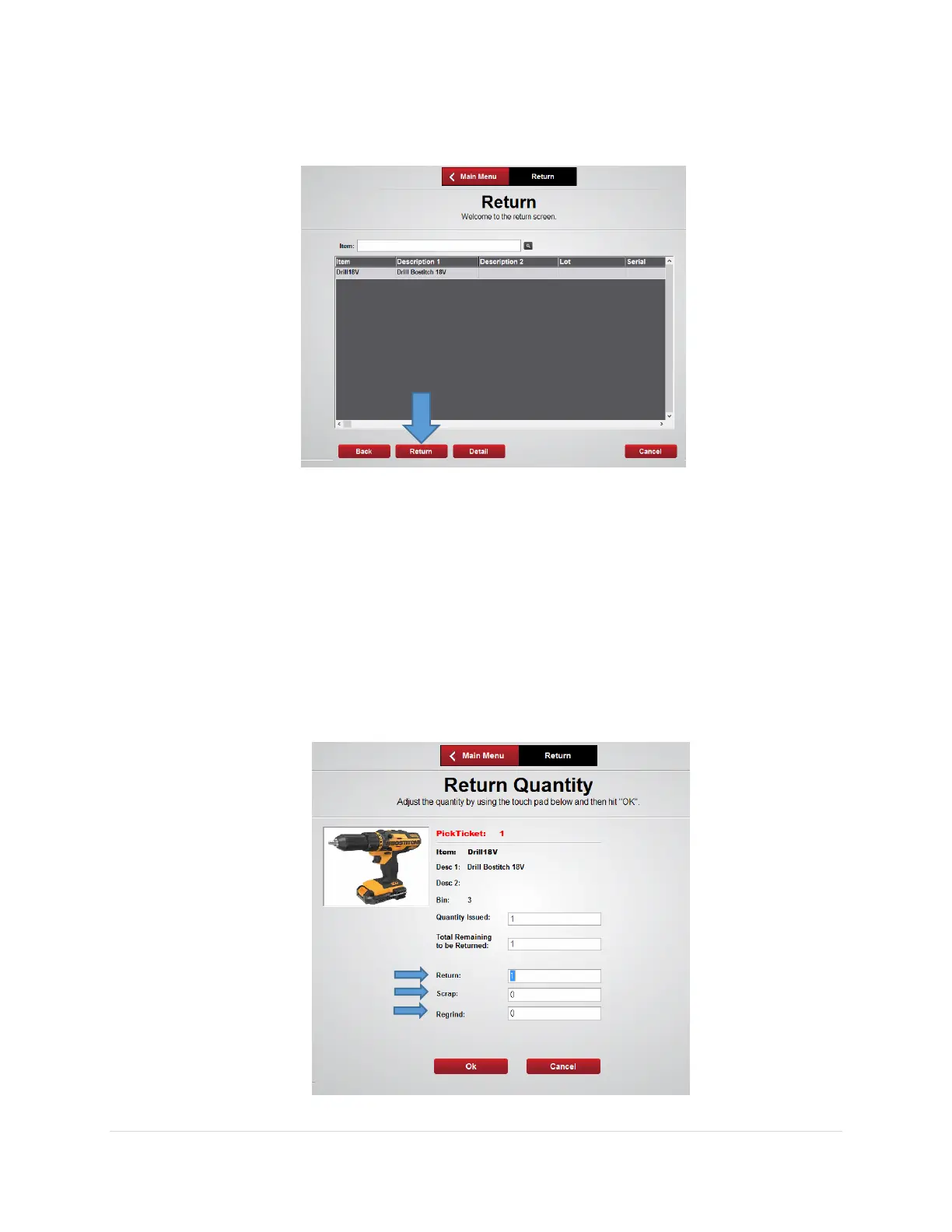
3. From the Return screen select the item you wish to return or search for the item then
press the Return button
4. From the Return Quantity screen enter the quantity being returned into the
appropriate field; Return, Scrap, or Regrind then select Ok
• Return – Place the item in the correct bin
• Scrap – Place the item in the Scrap bin
• Regrind – Place the item in the Regrind bin
Note: An item can only be returned to the FX Lockers if the crib has been designated
as “Returnable” in the AutoCrib software and the item being returned is perishable,
durable, kit or gage type item



 To Next Page