51 | P a g e
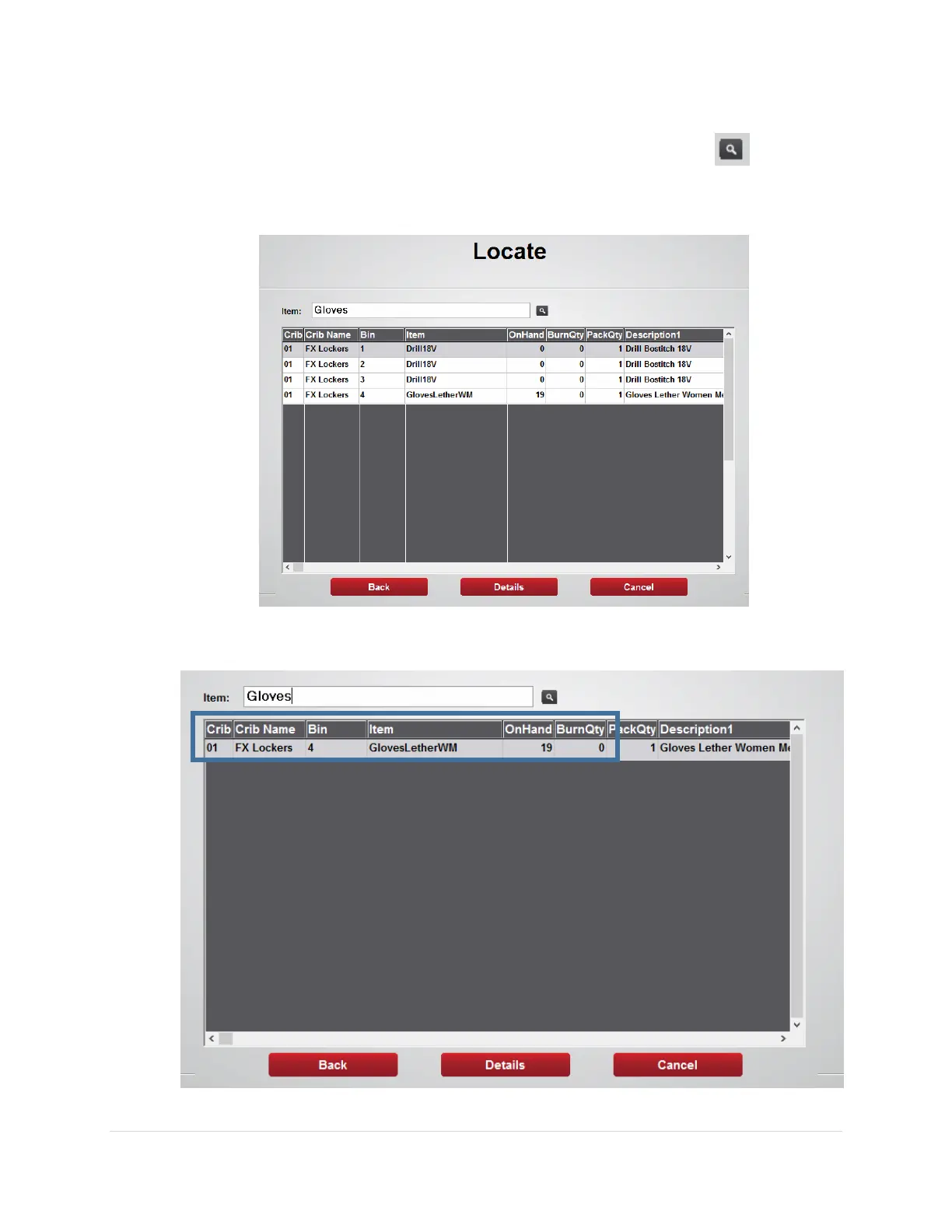
3. From the Locate screen use the Item: field to search for the item using the item
code, description, class, or custom fields then press the search button
Note: the software will find the closest match and will list those on the screen
4. The Crib Number, Crib Name, bin number, On Hand, and Burn quantities will be
displayed



 To Next Page