22
NeoSlider™ - Sliding Gate Opener NES-24V1 Owner Installation Instructions
Menu 7. Operating modes
PE input response mode
The PE input can be confi gured to respond in one
of three modes:
1. Open and close cycles stop
In this mode all cycles are prevented from being
completed or initiated when the PE input is
active.
2. Close cycles stop
In this mode the PE input has no effect when
opening, but will stop the gate when closing.
3. Reverses close cycles
In this mode the PE input has no effect when
opening, but will cause the gate to reverse if
activated when closing.
PED input function
The PED input can be confi gured to a SWIPE
type input for pedestrian access. This provides
full functionality with the PE Triggered Pedestrian
Auto-Close function.
Remote code
The controller supports the Remote Code Set feature.
This parameter can be used to disable the feature for
security or transmitter management reasons.
Activity reports
This parameter enables activity report outputs. Contact
Automatic Technology for more details.
Activity report ID
This parameter sets the ID of the controller that is sent
with the activity report. Contact Automatic Technology
for more details.
Vacation mode
Vacation mode can be turned on or off using this
parameter.
Battery/Solar mode
The controller can be instructed to turn off the battery
backup facilities so that the control board can be shut down
without having to disconnect the battery backup system.
Password protection
The password feature enables all parameters and
confi guration settings to be protected unless a
password is entered. When this feature is turned on,
the user is requested to enter the desired password
to be used. The password protection feature has a
time-out that expires after 60 seconds of inactivity.
Alternatively the user may log out manually by pressing
exit when the main screen is displayed.
Open input polarity
The OPN input is normally confi gured for N/O operation.
This parameter allows its operation to be changed to N/C.
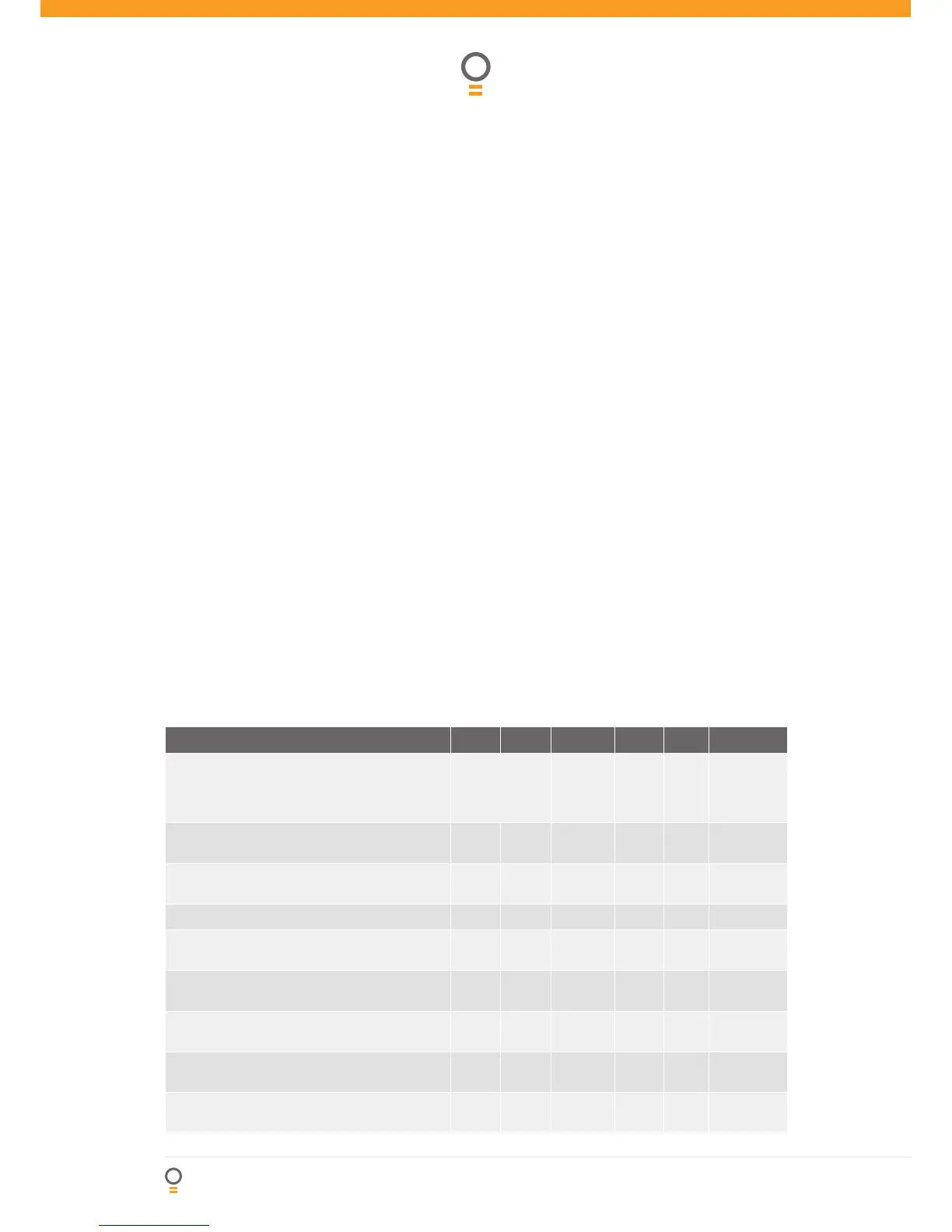
Parameter Min Max Default Step Unit Menu No.
PE INPUT RESPONSE MODE Sets the PE
response mode. Options are OPEN and CLOSE
cycles stop, Close cycles stop or Close cycle
reverse
OPN & CLS stop
CLS to stop
CLS to reverse
CLS to
reverse
7
PED INPUT = SWIPE MODE Selects PED input
functions as pedestrian access swipe input
Off On Off 7
REMOTE CODE ENABLED
Selects remote transmitter coding function
Off On On 7
ACTIVITY REPORTS Select report to be output Off 255 Off 1 7
ACTIVITY REPORT ID
Selects ID for controller, sent with activity report
0 65535 0 1 7
VACATION MODE
Selects vacation mode - disables remote control
Off On Off 7
BATTERY/SOLAR MODE
Selects Battery Backup/Solar operation
Off On On 7
PASSWORD
Selects password protection for all changes
Off On Off 7
OPN INPUT N/C OPERATION
Selects operating polarity of OPN input
Off On Off 7
Control Board Adjustments



 To Next Page