26
NeoSlider™ - Sliding Gate Opener NES-24V1 Owner Installation Instructions
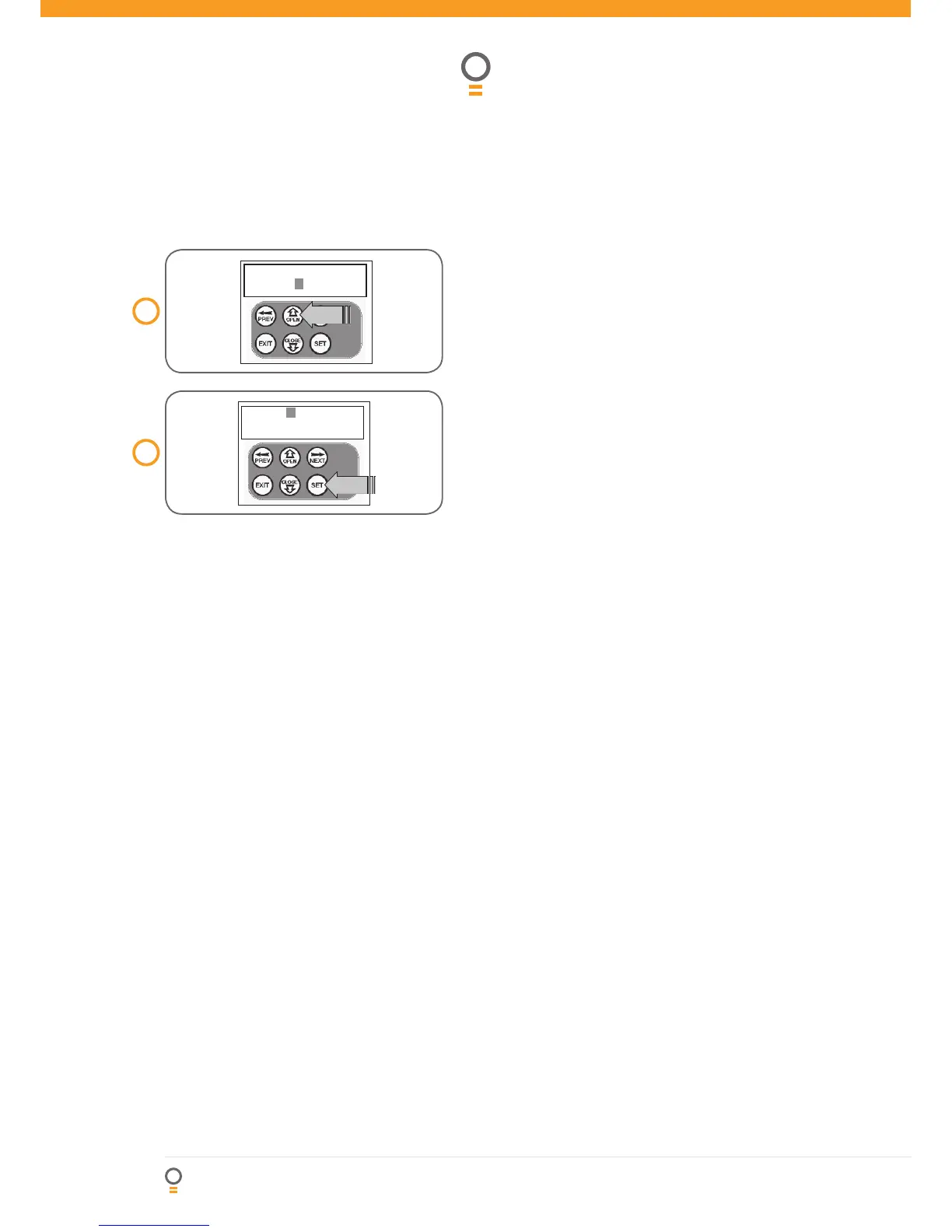
Step 3. Editing the store location
This feature is only available when coding the fi rst
button of a new transmitter.
1. Press NEXT or PREV to move cursor over Store No.
2. Press UP or DOWN to select new Store No (Fig. 26).
3. Press SET to confi rm or NEXT/PREV to move to the
next fi eld.
This is useful when managing transmitters using a
scheme which ties the store location to the transmitter’s
owner.
Step 4. Selection of ID or Serial Number
display
1. Press NEXT/PREV to move cursor over ID fi eld.
2. Press NEXT to reveal Serial Number (Fig. 27).
The serial number display is provided for additional
means of identifi cation. The transmitter in this example
has serial number 12345.
Step 5. Editing a character fi eld
1. Press NEXT or PREV to move select character to change
(Fig. 28).
2. Press UP or DOWN to scroll through and select new
character (Fig. 29).
3. Press NEXT or PREV to move to next character.
4. Repeat step 2.
5. Press SET to record changes (Fig. 30).
The second line of the display shows a list of available
characters with the current value indicated at the cursor
position.



 To Next Page