2
USING THE TEST TOOL
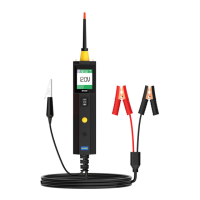
BT250 Tool
description
B
C
D
A
E
I
F
G
H
A
B
C
D
E
F
H
I
G
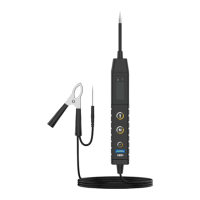
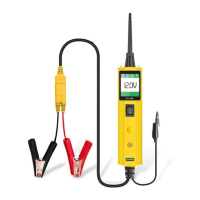
Probe Tip
Head Lights
LCD Display
Clamps
Auxiliary Ground
Clamps
Power Switch
Sound / Radiator
Power Cable
Mode Button
Contacts the circuit or component
to be tested.
Selects the work mode: AC voltage,
DC voltage, resistance, tone.
When the audio tone is turned on, a
beep will be heard.
Allows you to conduct a positive or
negative battery current to the tip for
activating and testing the function of
electrical components.
Assists test as a ground lead.
Illuminates dark work areas or work
areas at night.
Indicates test results.


 To Next Page