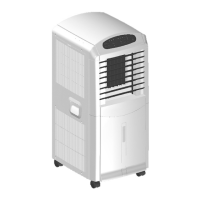
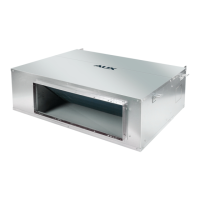
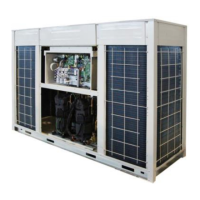
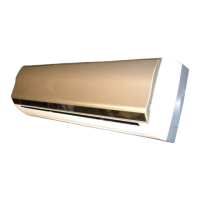
AUX DC Inverter Free Match 50HZ R32
95
Set Temp.
C
Eco
Sleep
Set Temp.
C
T IM ER F AN SWING M O DE
F UNCT IO N ON/O F F
T IM ER F AN S WING M O DE
F UNCT IO N ON/ O F F
XK-04
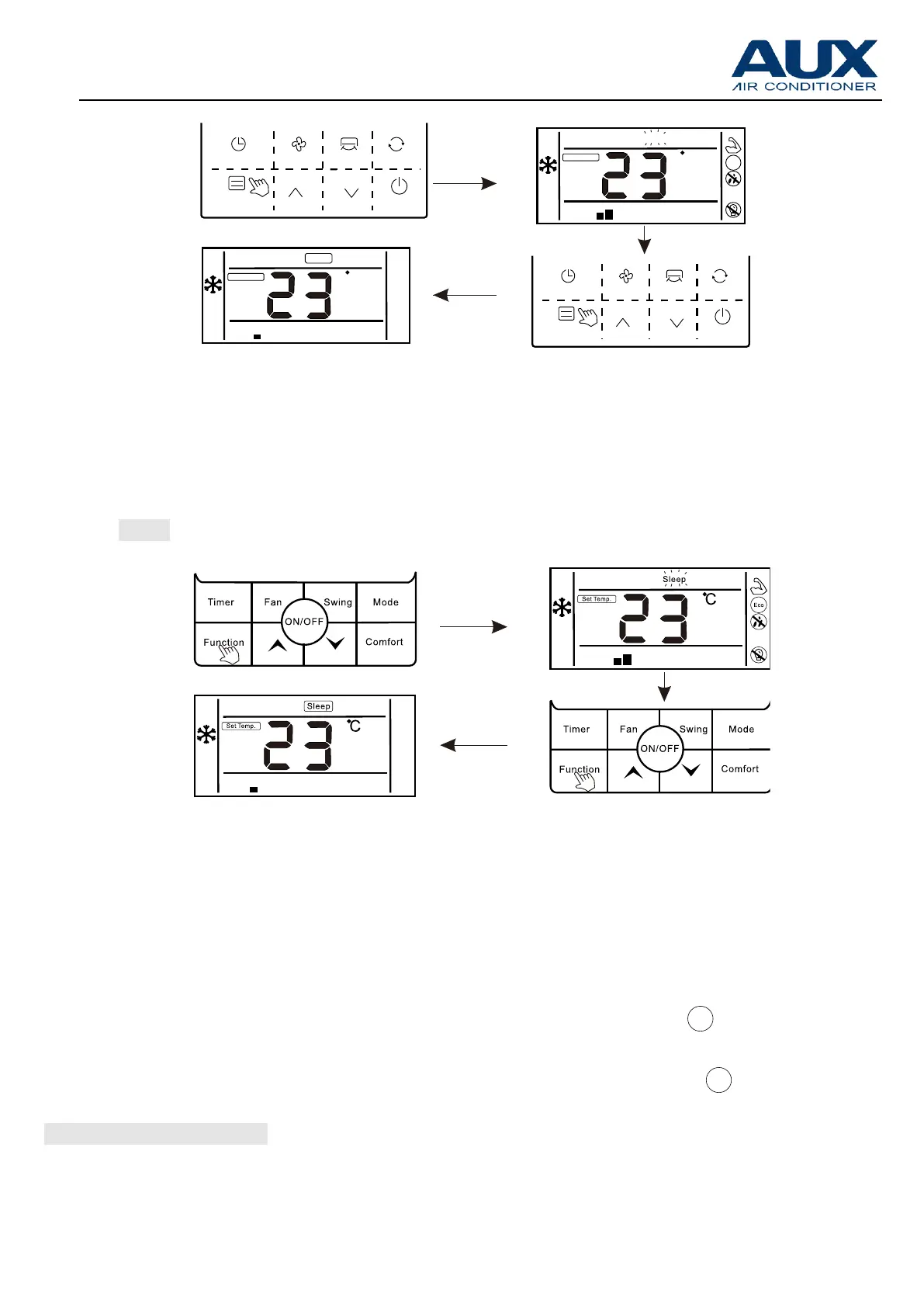
3.【"ECO"】
Enter ECO function:
1.Press "Function" button to enter the interface of function selection.
2. Press " ∧ " or " ∧ "button to switch to ECO function, at this moment "
"icon is flashing
3.Press "Function" button again to confirm ECO function, at this moment, "
"icon is lighting



 To Next Page
 Loading...