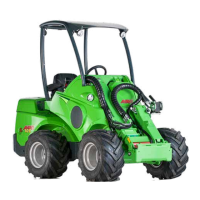
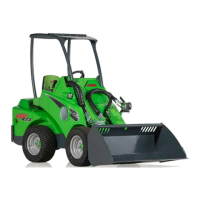
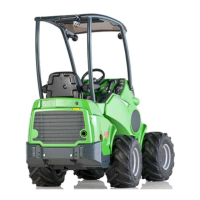
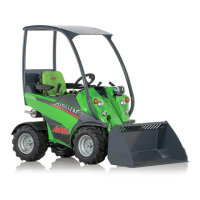
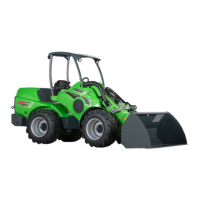
Description of the loader Avant 755i 760i
24
.
Signs and decals
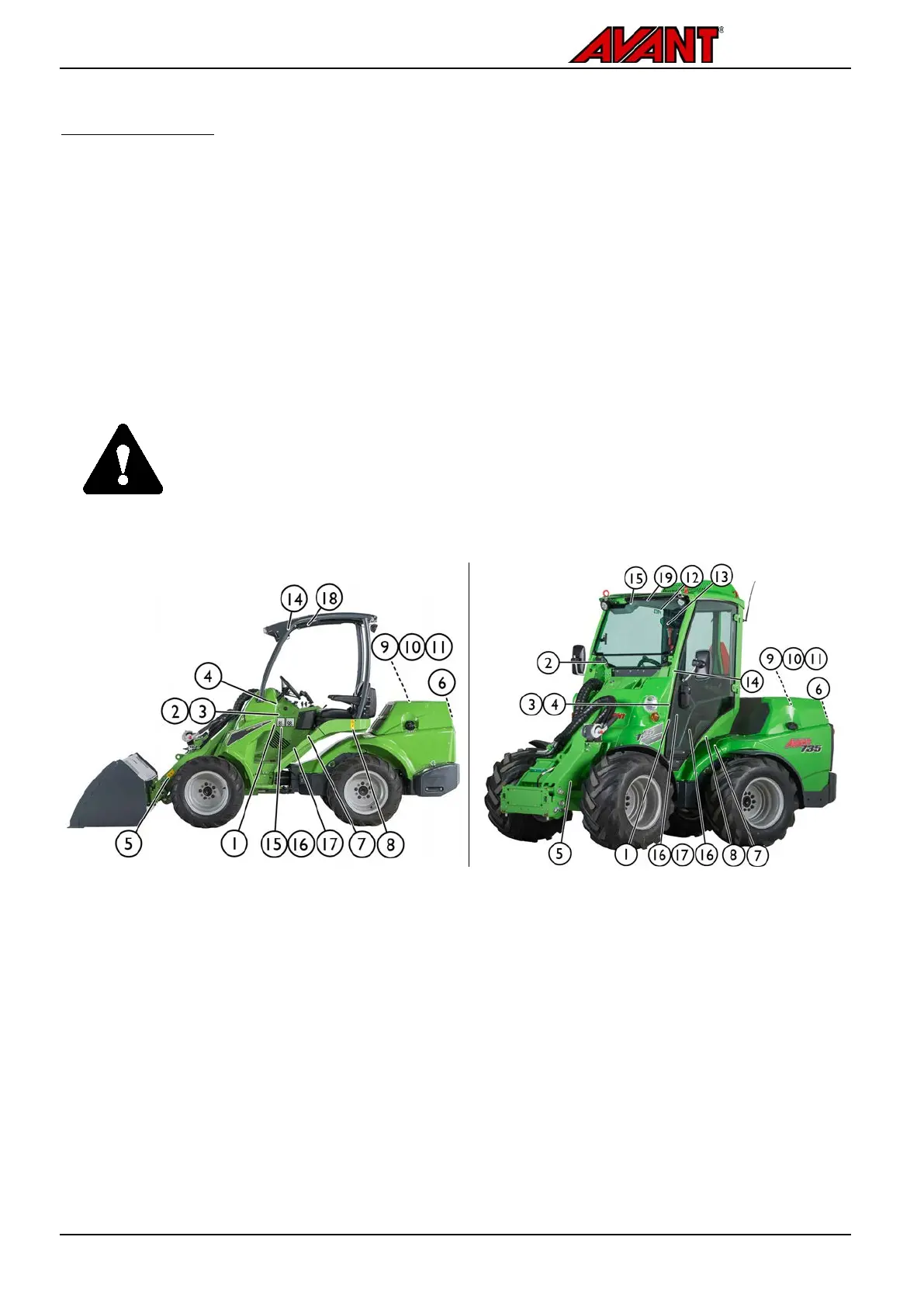
Shown in the figure below and listed on the following page are the labels and markings, which must be visible on
the equipment. Replace any warning label which has become unclear, or has detached completely. New labels are
available via your retailer or contact information provided on the cover of this manual.
Other than safety or warning labels are listed in the separate spare parts catalogue.
To apply a new decal
Before applying a new decal, clean the surface from dirt, dust, grease, or other material. Peel small portion of the
decal backing paper and apply exposed adhesive to cleaned surface, aligning the decal properly. Peel rest of
backing paper and press firmly with hands or decal application tool to smooth out the decal and to activate the
glue of the label.
WARNING
The warning labels contain important safety information and they help to identify
and remember the hazards related to the equipment.
Make sure that the following signs and decals are clean, undamaged and readable. If any
of these decals is missing or i
s unreadable it should be replaced without delay. Ask for
new decals from your local Avant dealer.


 To Next Page