Page 32 - Using Windows CCFP Administration
Page 32 DECT - Installation Manual
Changing the Communications Configuration 38HBKD0001SAH – Issue 14 (27th October 2003)
Changing the Communications Configuration
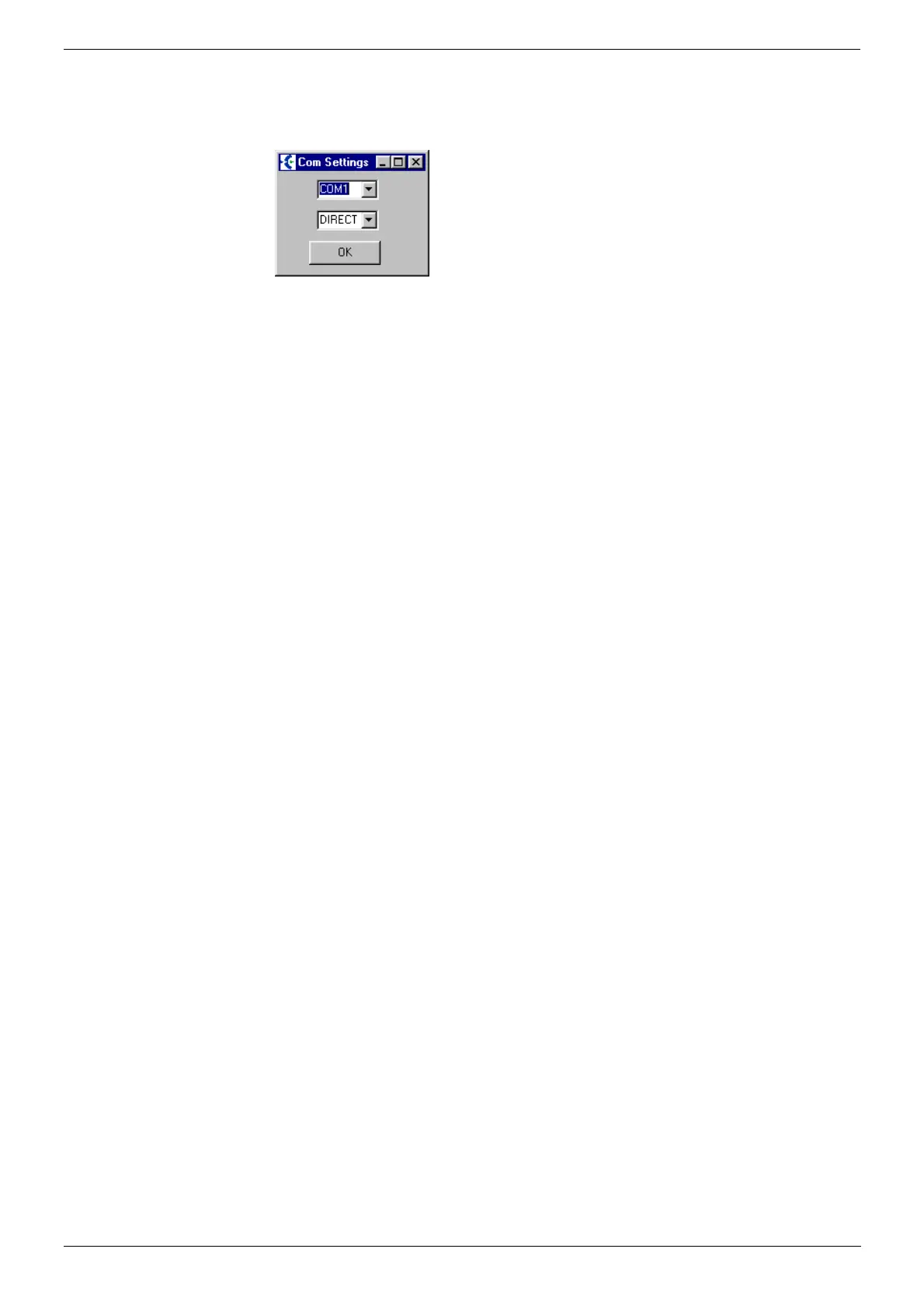
1. Whilst the start-up display is shown, clicking on Change
communications configuration pauses the startup and display the
Communications Setup menu.
2. Set the Com. port to match the serial port of your PC connected to
your DECT system (for direct serial cable connection) or modem (for
remote modem connection to the DECT system).
3. Set the Connection: to the type of connection required.
4. Click on Ok to return to the CCFP Administration startup display.



 To Next Page