Page 48 - INDeX Integration
Page 48 DECT - Installation Manual
DECT Integration 38HBKD0001SAH – Issue 14 (27th October 2003)
DECT Integration
DECT Integration works with INDeX Level 8.0+. It allows 20DT handsets
(S/W PCS4E) to receive CLI or alpha tagging information from the INDeX
(overriding the name entries in the DECT database).
20DT handsets can also access the switch directory index for system
speed dials and extensions in a similar fashion to display terminals.
DECT Integration requires entry of a Mobile Numbers switch licence with
Option 1. It also requires the INDeX and DECT Contyrol Unit (DCU) to be
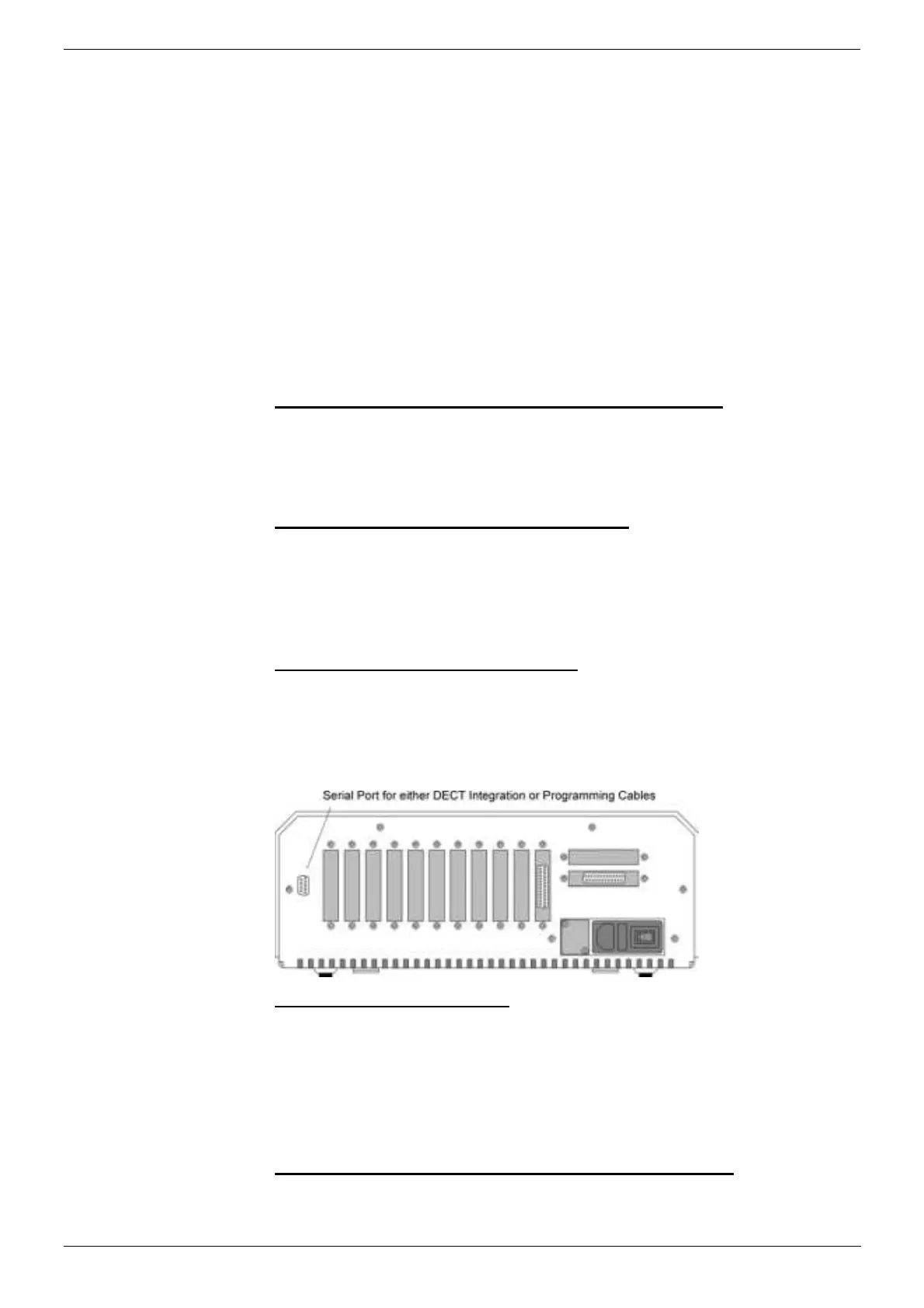
linked via a DECT Integration cable.
Note: With DECT Integration operating the handsets uses directory
names supplied by the INDeX. It is a sensible precaution to still
have a User Name, Standby Text, and Presentation Text set in the
DECT handset database.
All the programming shown below is performed on the INDeX switch.
A. Enable mobile numbers use with DECT integration:
1. From the Main Menu select System and then Switch Licences.
2. Select Mobile numbers and enter the licence key. Ensure that the
option field displays 1, indicating it is the licence for Mobile
Numbers with DECT Integration.
B. Set the two-wire port to DECT operation:
1. From the Main Menu select Terminal and enter the directory number
for a two-wire port connected to the DECT.
2. Select Port/Type and set this to DECT.
3. Repeat this process for all the INDeX two-wire ports connected to the
DCU.
C. Set the INDeX port speed to 19200:
1. From the Main Menu select System and then Ports.
2. Press tab to select the serial port which will be connected to the DCU.
3. Set the ports speed to 19200.
4. Connect the integration cable between the DCU and the INDeX (see
DCU to PC Programming Cable on page 69).
D. Start the DECT Log output:
1. From the Main Menu select Reports and then Start/stop Smdr,
fault, event logging and DECT.
2. Press tab to select the serial port connected to the DCU.
3. Select Start DECT to start DECT integration. The port shows DECT
(Running) when operating correctly (you may have to leave
and then re-enter the menu).
E. Ensure that the DECT directory numbers are named:
1. Give each DECT extension number a directory name on the INDeX.



 To Next Page