Page 34 - Using Windows CCFP Administration
Page 34 DECT - Installation Manual
MSF Status 38HBKD0001SAH – Issue 14 (27th October 2003)
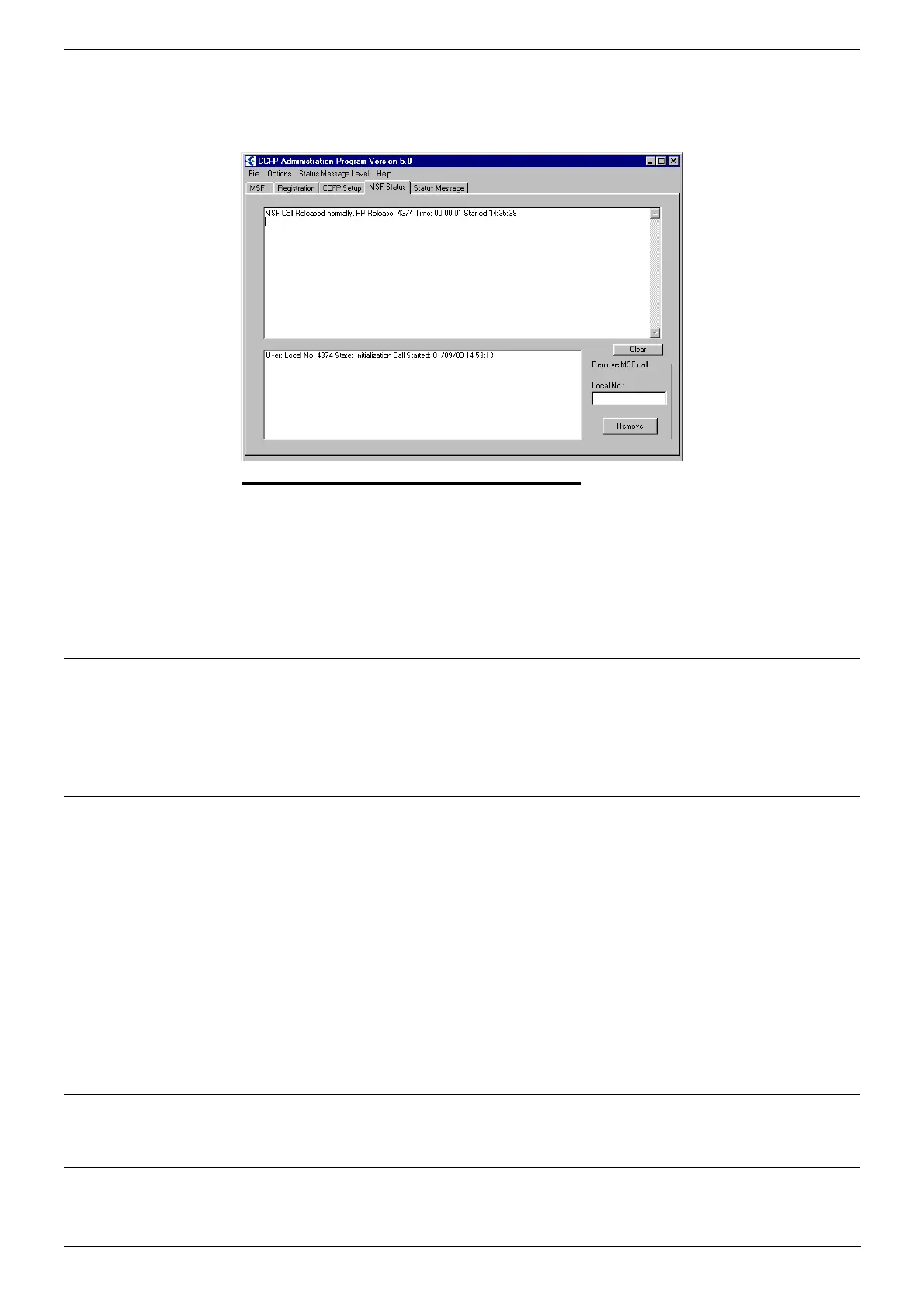
MSF Status
The MSF Status page shows messages coming from the DECT system to
handsets. The level of status messages can be altered to show more or
less information.
Checking & changing the Status Level
1. Select Status Message Level.
2. To see the current status level select View Curent Status Level.
3. To change the status level select from one of the levels (0-3)
displayed.
4. Note that the level resets to Level 0 at the end of any CCFP
Administration session.
Status Message
The Status Message page will display, in real time, the system activities.
E.g. handset subscription, base station handovers and handset connection
options, etc. selected previously in MSF Status on page 34.
Uploading Flash Software
Occasionally upgrade software for the DECT DCU may be supplied in the
form of a "flash.ktb" file or similar for upload to the system.
Note: Uploading new software will cause the system to restart and end
any current calls. You must also ensure that any pre-requisites for
the new software (such as appropriate hardware and software
PCS levels) have been met.
1. From the CCFP menu bar select Options and then Preferences.
2. Select the Advanced Options tab. Click on the Transfer Flash
Program to CCFP.
3. Use the file menu to select the .ktb file to upload.
Base Stations Cable Measurement
See Base Station Cable Measurement on page 23.
Altering DAB Settings
See Altering DAB (IWU) Card Settings on page 24.



 To Next Page