11
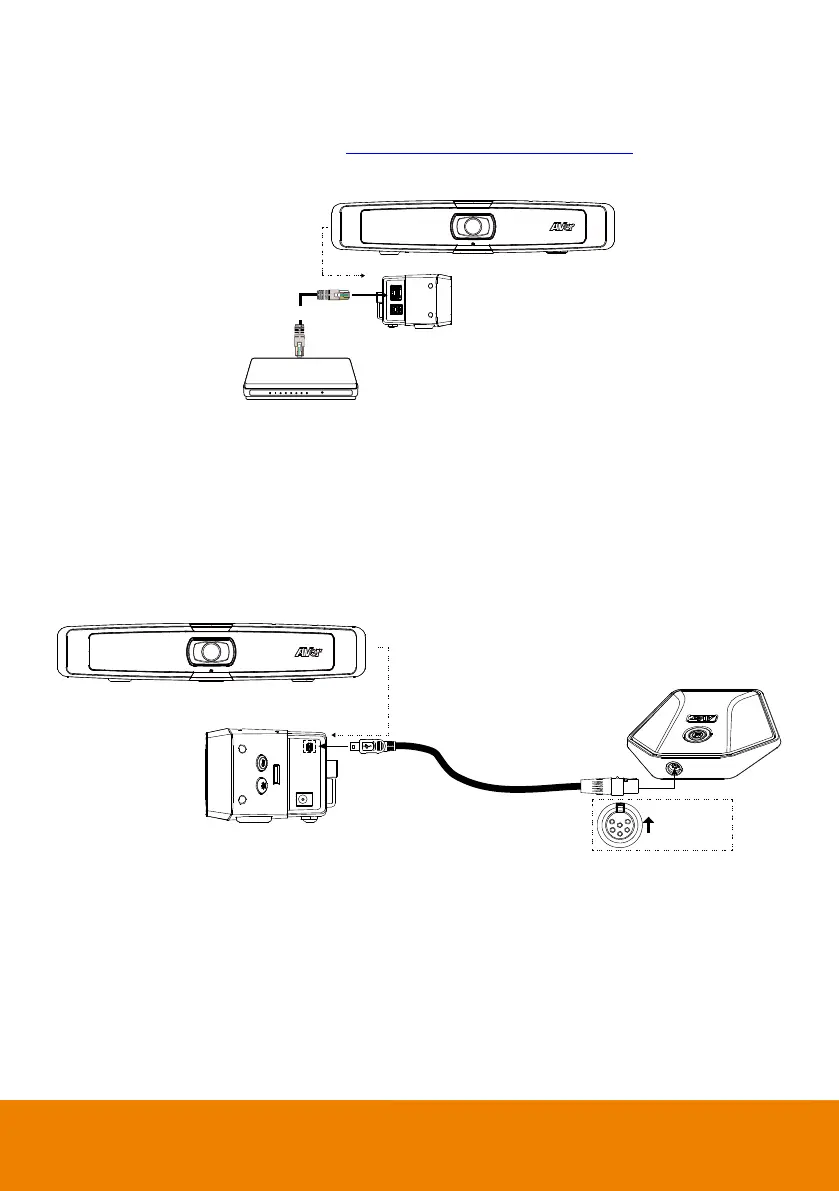
Ethernet Connection
VB130 supports ethernet connection which allows user to access VB130 from remote site through
browser. Web accessing please refer to “Make a Connection through the Browser”.
Router/Switch
Ethernet cable
Expansion Microphone Installation (Optional)
User can purchase the expansion microphone from AVer.
The expansion microphone can expand the sound received and controlled of audio, mute and unmute.
[Note] Cable is included with optional expansion microphone. There are two lengths of cables - 10m
and 20m.



 To Next Page