29
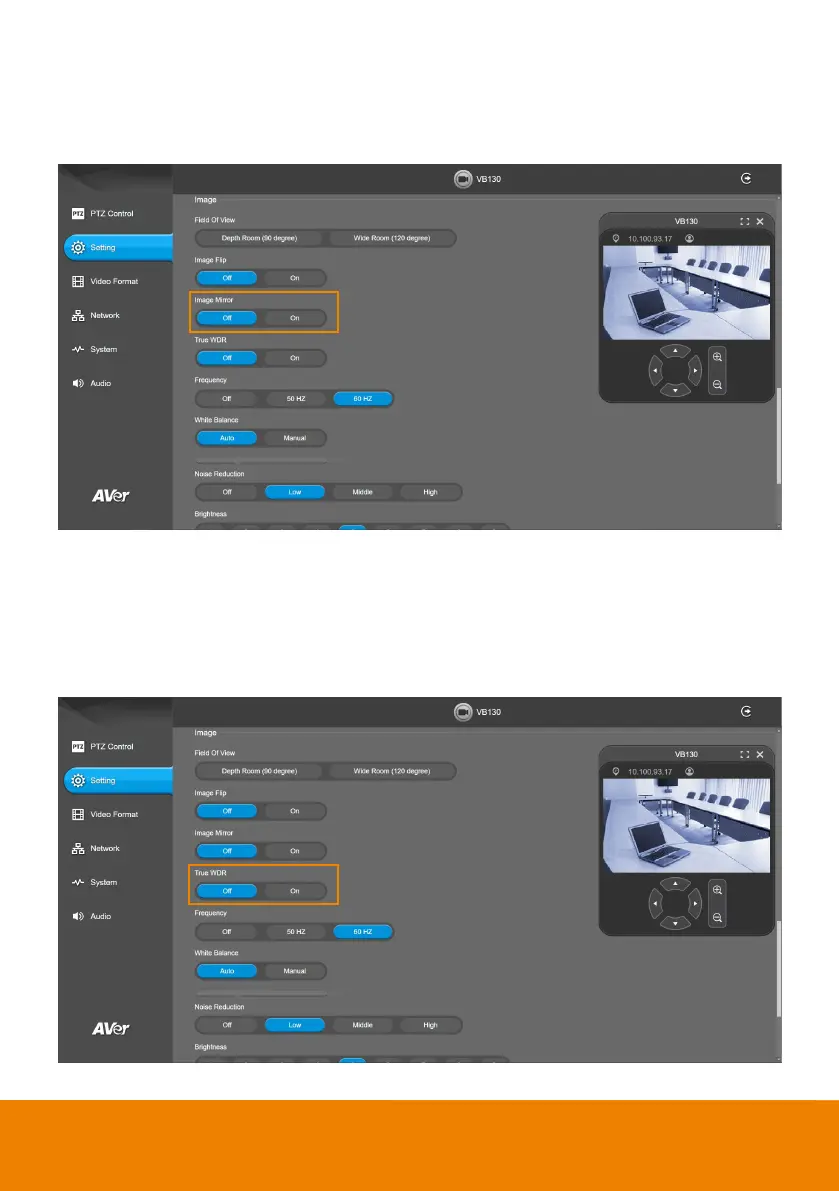
Image Mirror
To mirror the camera image.
Select Setting > Image > Image Mirror > Off or On.
True WDR
In back light environment, enable WDR to improve the brightness of image.
Select Setting > Image > True WDR > Off or On.
The frame rate will be limited to 30FPS while WDR is on.
If user enables this function in a normal light condition, the image will become over exposure and
encounter image blur.



 To Next Page