25
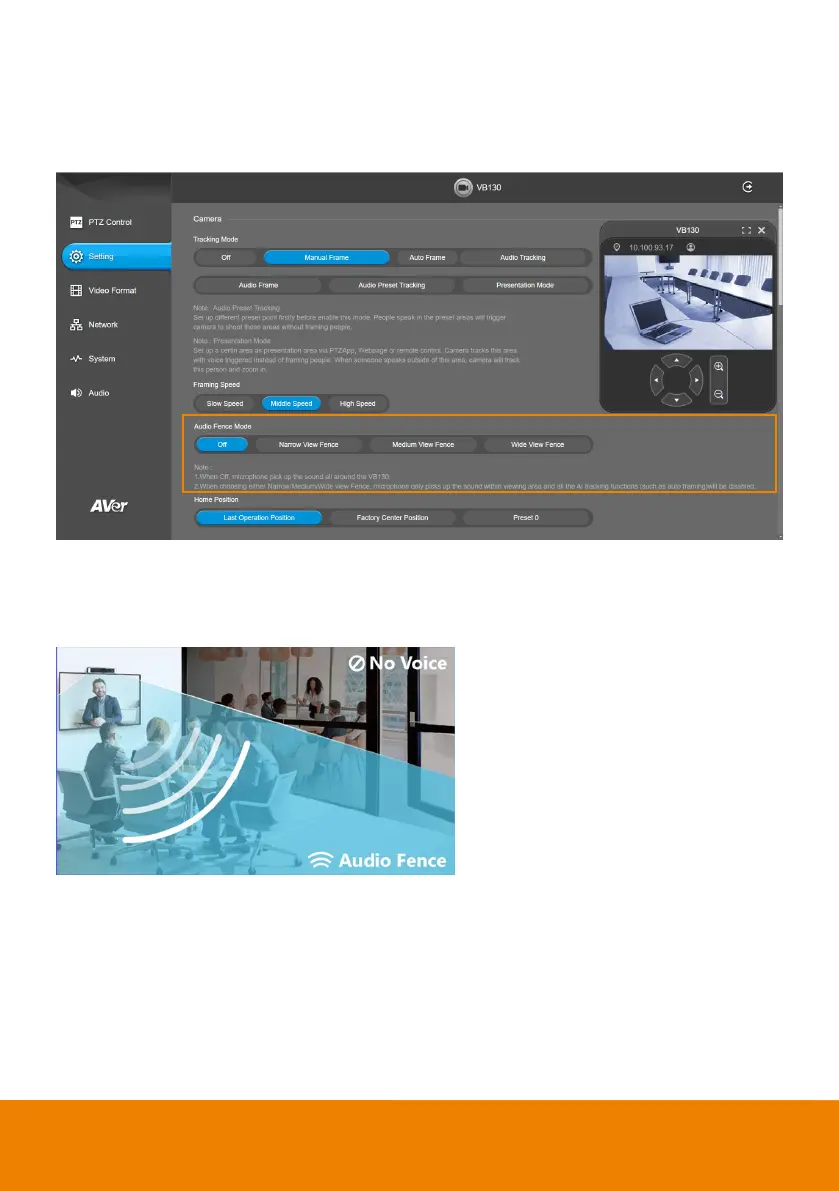
Audio Fence Mode
Select Setting > Camera > Audio Fence Mode > Off, Narrow View Fence, Medium View Fence, or
Wide View Fence.
Microphone only picks up the sound within viewing angle. Choose a suitable camera viewing area to
silence the sound beyond the meeting area.
[Note] All the AI tracking functions will be disabled while audio fence is on.



 To Next Page