27
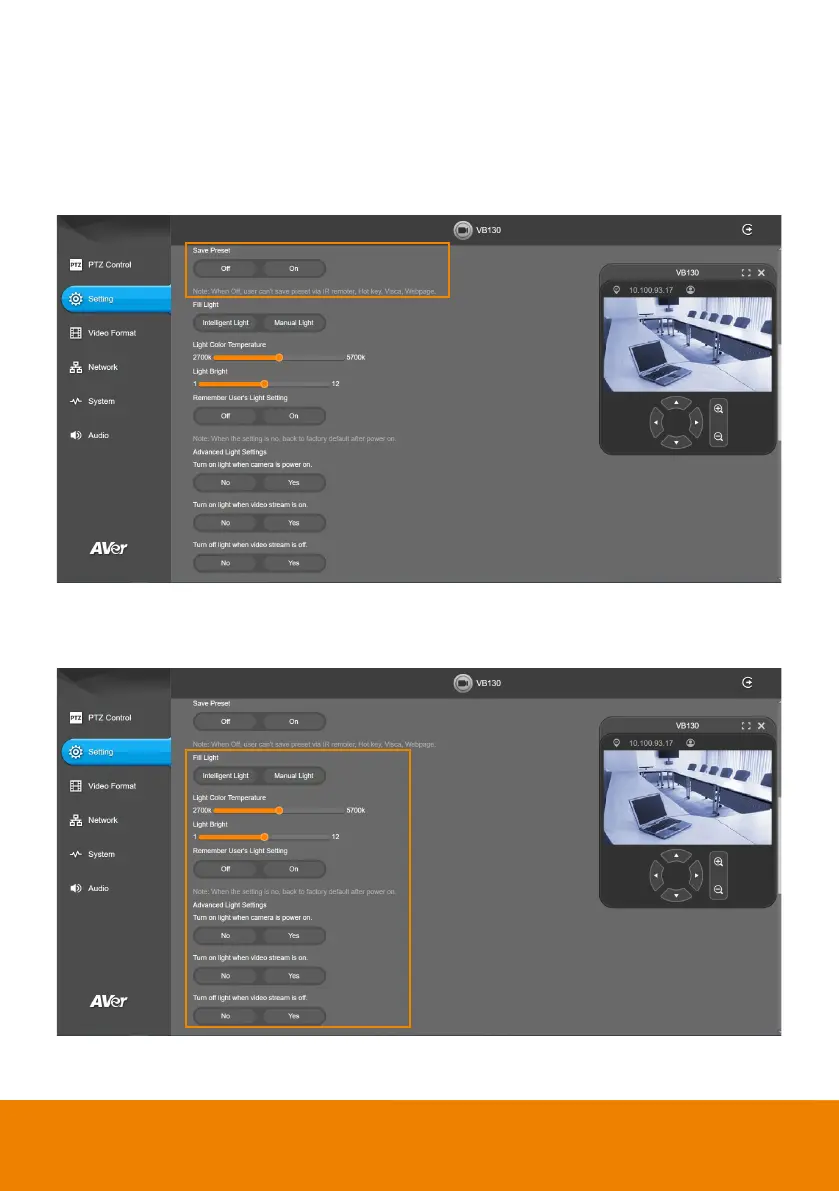
Save Preset
Enable/disable “save preset” function. When applicable, IT personnel can limit end-user access to
change preset points by locking “save preset” function and switching this function off.
When off, user can’t save preset points via IR remote, Hot key, VISCA, webpage and PTZApp 2.
Select Setting > Camera > Save Preset > Off or On.
Fill Light
Select Setting > Camera > Fill Light > Intelligent Lighting or Manual Lighting.



 To Next Page