26
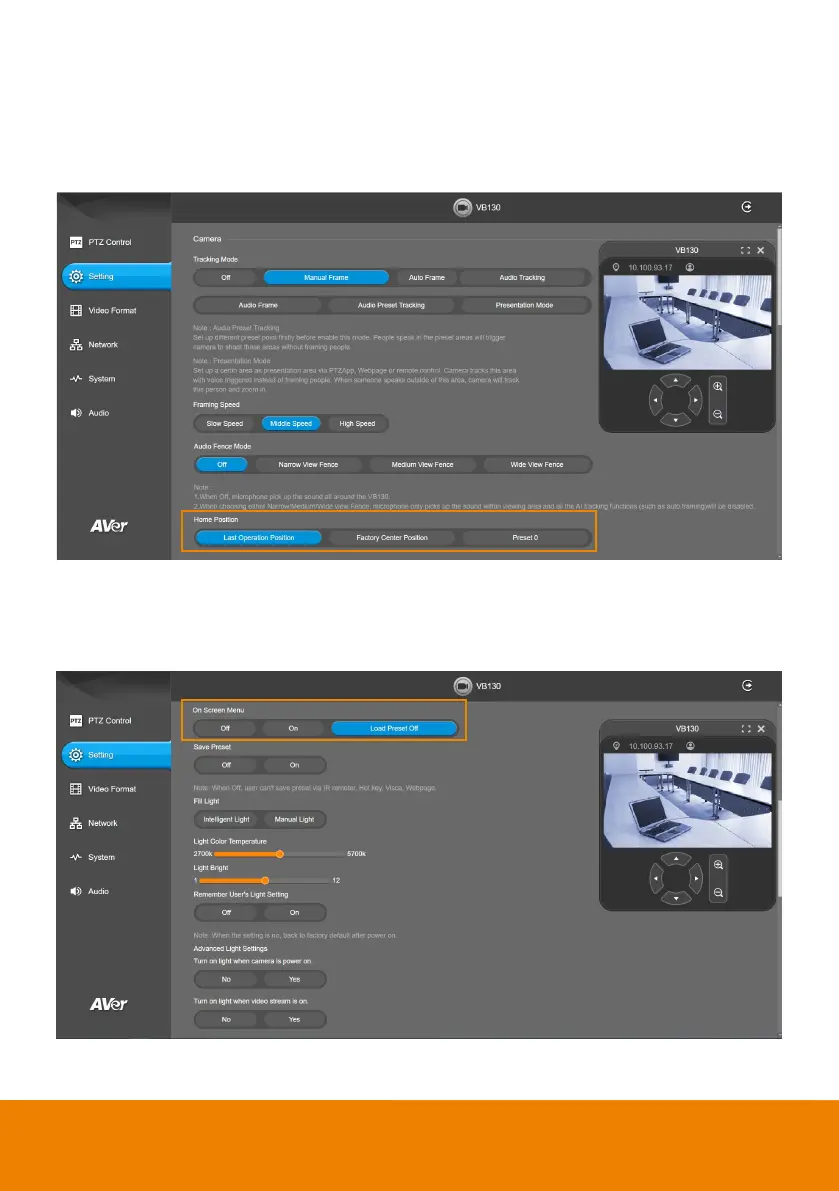
Home Position
Every time when powering on the camera, it will turn to this position.
Select Setting > Camera > Home Position > Last Operating Position, Factory Center Position, or
Preset 0.
On Screen Menu
Enable/disable on screen display status information.
Select Setting > Camera > On Screen Menu > Off, On, or Load Preset Off.



 To Next Page