58
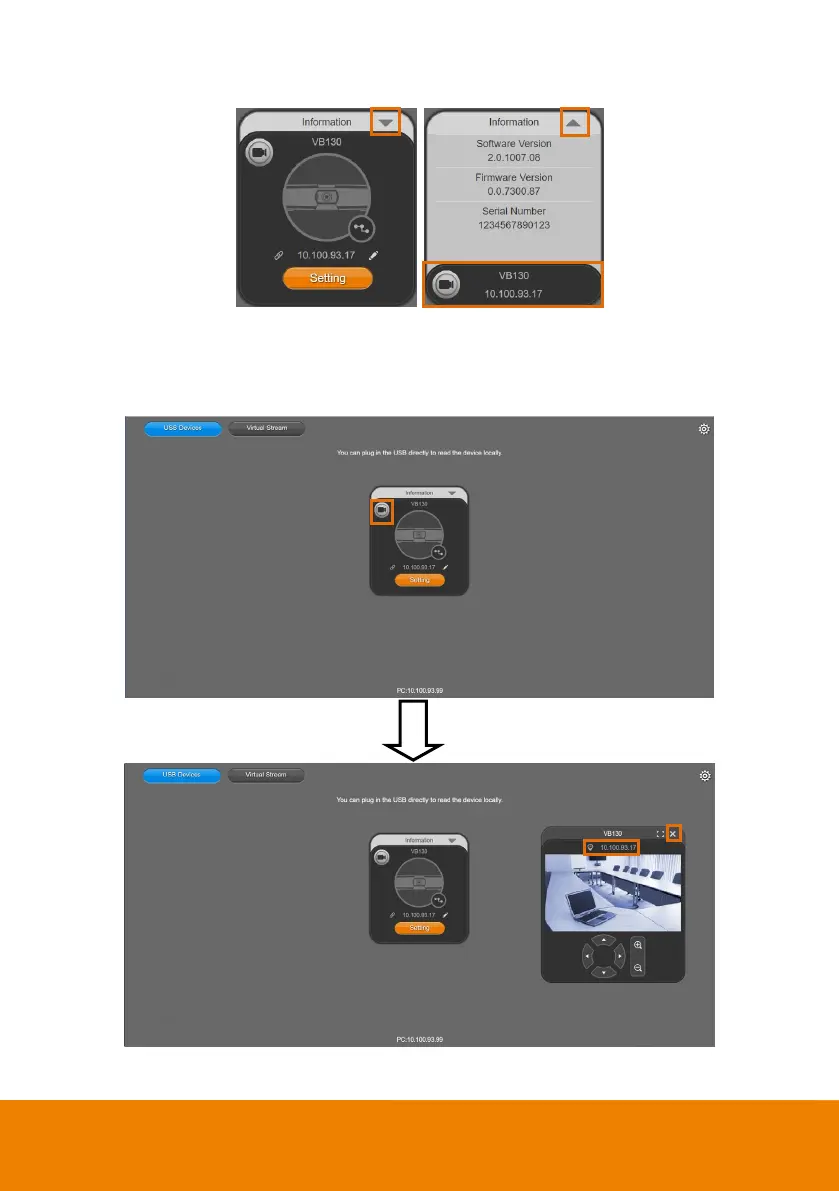
7. Information: Click the drop-down triangle icon to review the information of camera. To minimize
the information, click the triangle or the bottom area of the information icon.
8. Camera: Click the camera icon to view the camera live view. IP address is displayed as well. Click
the X icon to close the camera live view. If the live video did not appear, please check the camera
and the laptop/PC connection to make sure all are correct and well connected.
The resolution of this small live view is 640x480 resolutions.



 To Next Page