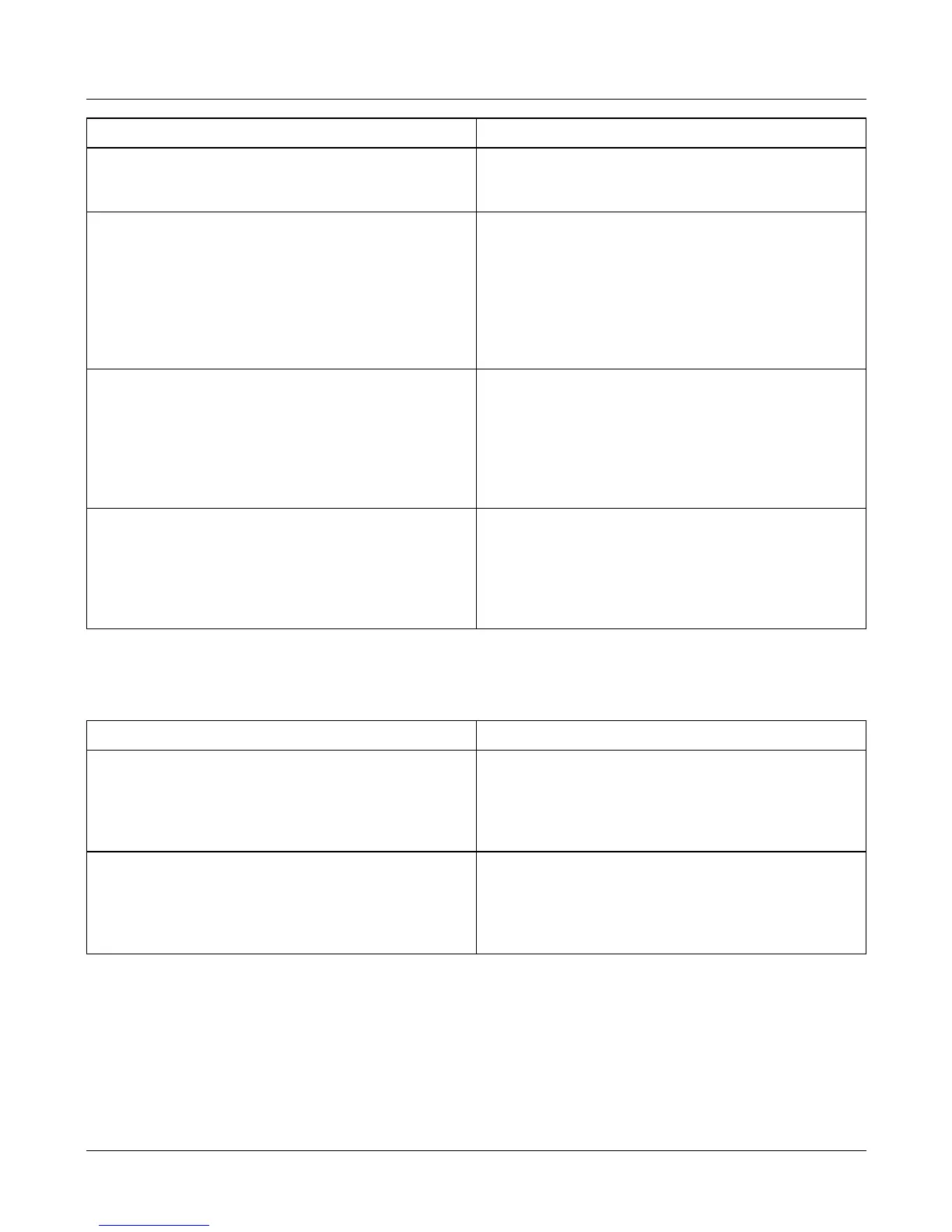
Sub-branch Value
11 - Alternate Units. This will convert the
displayed weight into the selected units.
0 - Disable alternate units.
1 - USA decimal Pounds.
2 - Grams.
12 - Weight steady. The weight must remain
within the given ± range for a set amount of
time before the weight is displayed.
0 - ± 0.1 divisions.
1 - ± 0.25 divisions.
2 - ± 0.5 divisions.
3 - ± 1 divisions.
4 - ± 1.5 divisions.
5 - ± 2 divisions.
6 - ± 3 divisions.
7 - ± 5 divisions.
13 - Tare increment. This sets the tare value that
can be accepted by the scale. For example,
on a 15kg x 5g scale if the tare increment is
set to 1, then the tare weight must be a
multiple of 5g. If the tare weight is not a
multiple, then the scale will not accept the
tare.
0 - Allow any tare increment.
1 - Tare increment must be a multiple of the
weight increment.
14 - Automatic re-tare. This sets the percentage
of a tare within which subsequent tares will
also be allowed without having to press the
tare key. This is generally used where there
is minor weight variation between containers.
For example, cardboard boxes.
0 - Disable automatic re-tare.
1 - 200 tare range (%) multiplied by 2.
For example, 200 = 100% 50 = 25%
Branch 7 - Weighing limits
Full service access only.
Sub-branch Value
00 - Minimum weight. This restricts the weight
display so that it remains blank until the
minimum weight has been exceeded.
0 - 65535 divisions.
This is the minimum weight (shown on the
overlay) divided by the minimum weight
increment (e).
01 - Under range limit. If the scale is set to
display negative values (Branch 9
sub-branch 00) the weight display remains
blank until the negative weight has been
exceeded.
0 - 65535 divisions.
12 Service Instructions
Product configuration branches



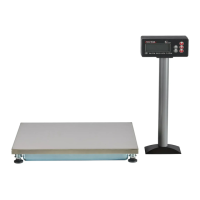

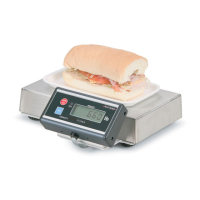

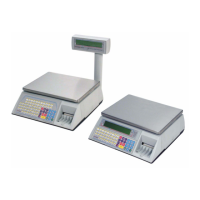



 To Next Page