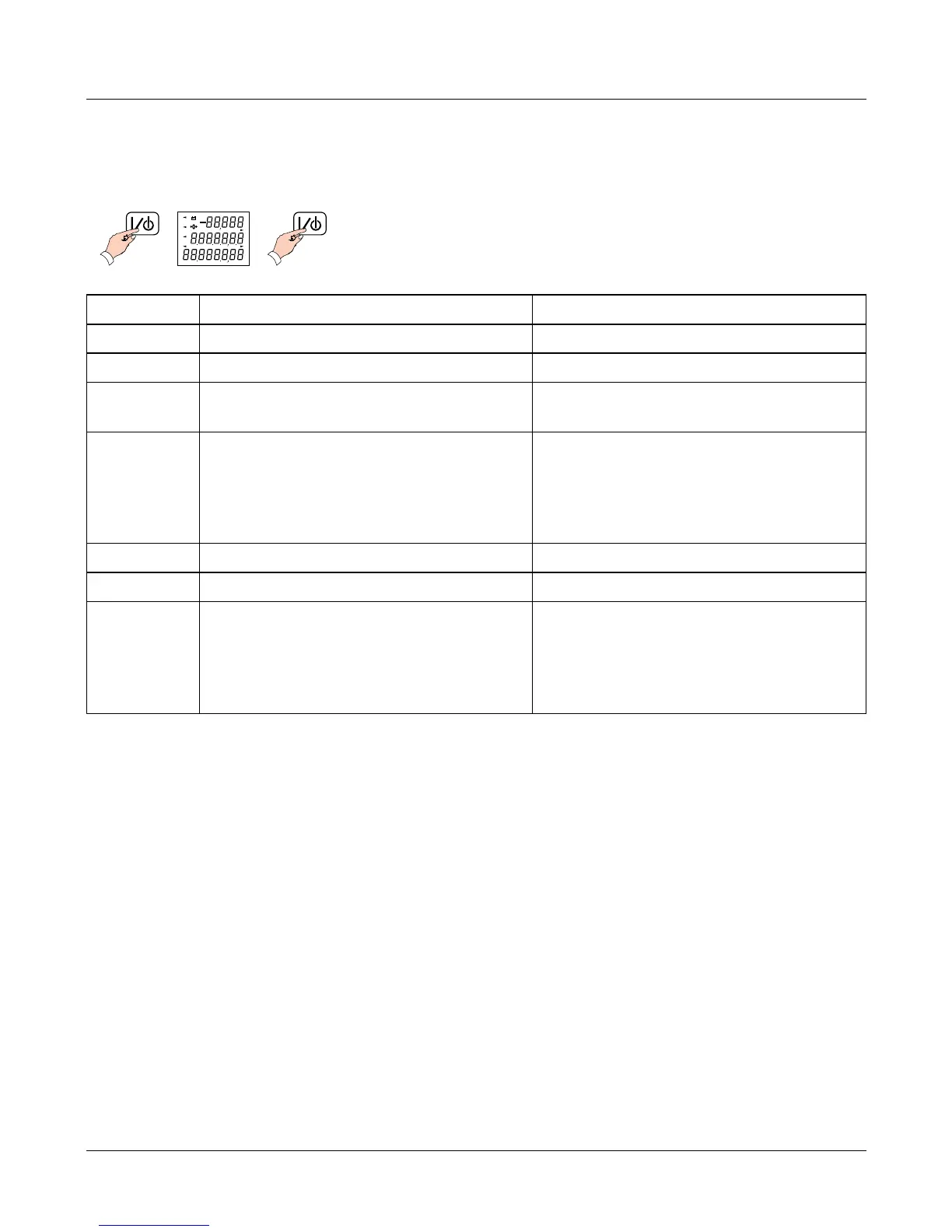
Status display
The status display shows some basic information about the scale. to view this
information, press the display test key twice:
Top row Middle row Bottom row
0 Boot block product code Boot block version number
1 Application block product code Application block version number
2 Configuration block product code Configuration block version
number
3 Product configuration checksum
status:
0-OK
1 - Checksum failed
Product configuration edit
counter
4 Mains/battery voltage Blank
5 Secondary calibration counter Blank
6 Cause of last reset:
0 - Power down
1 - Watchdog
2 - Clock monitor
Blank
If you need to contact your authorised service agent for advice, please make a note
of all the settings shown.
4 Service Instructions
Status display








 To Next Page