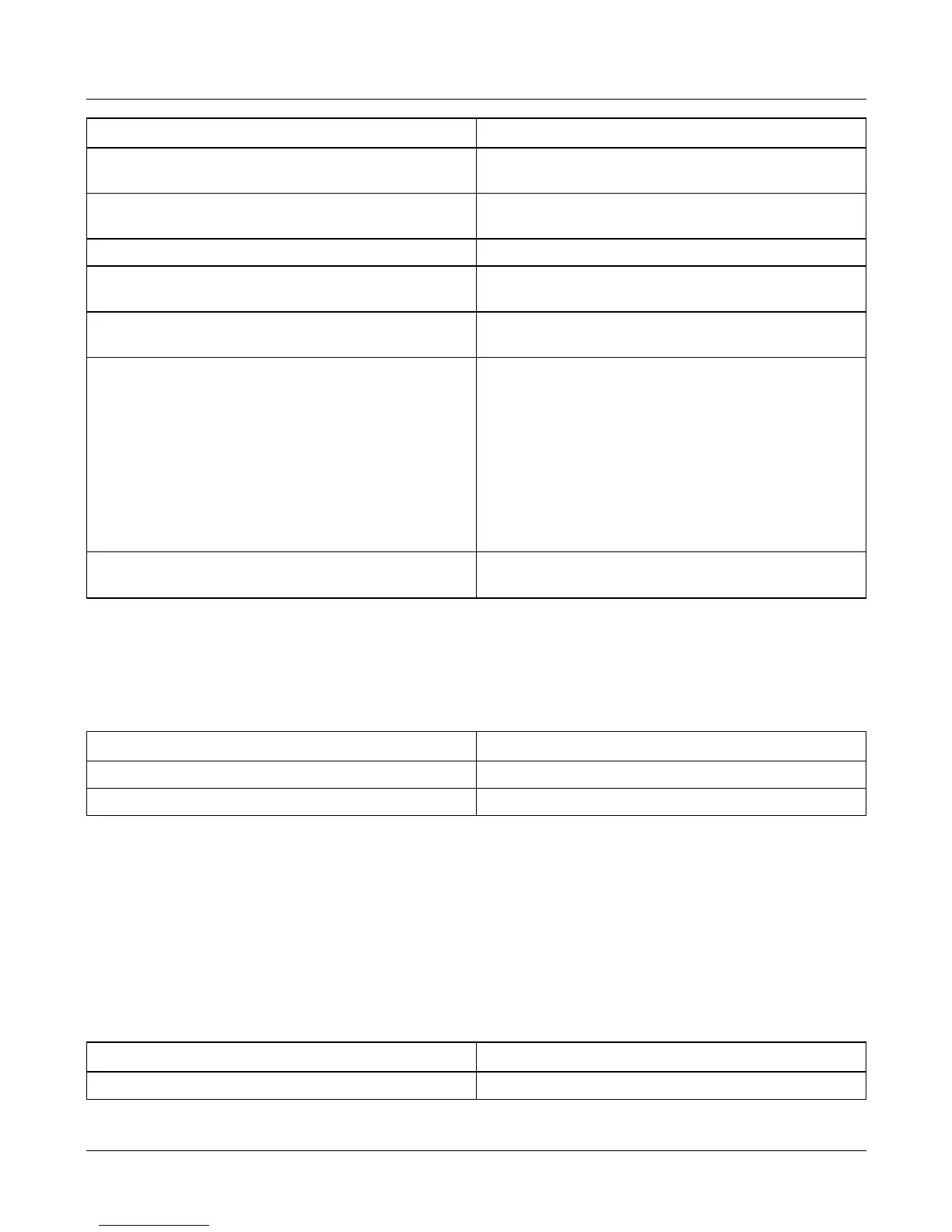
Sub-branch Value
06 - Total price rounding.
0 - No rounding.
1 - 255 Round up or down to nearest 1-255.
07 - Add total rounding.
0 - No rounding.
1-255 (Round by).
08 - Dual currency display decimal places.
0 - 3 decimal places.
09 - Dual currency display thousands
separator.
0 - Disabled.
1 - Enabled.
10 - Dual currency display decimal marker.
0 - Comma.
1 - Decimal point.
11 - 1st character of dual currency string.
12 - 2nd character of dual currency string.
13 - 3rd character of dual currency string.
14 - 4th character of dual currency string.
15 - 5th character of dual currency string. (must
be 0)
0-30 A-65 K-75 U-85
1-31 B-66 L-76 V-86
2-32 C-67 M-77 W-87
3-33 D-68 N-78 X-88
4-34 E-69 O-79 Y-89
5-35 F-70 P-80 Z-90
6-36 G-71 Q-81
7-37 H-72 R-82
8-38 I-73 S-83
9-39 J-74 T-84
16 - Dual currency price rounding.
0 - No rounding.
1 - 255 Round by...
Branch 63 - Main currency, dual currency conversion
This is the conversion rate between a countries main currency and (branch 62) and
the alternate currency (branch 64). Typically this is used to switch between a
countries main currency and Euros.
Sub-branch Value
00 - Digits.
0 - 999,999.
01 - Decimal places.
0 - 6 decimal places.
For example: The Italian conversion rate is 1936.27
Sub-branch 00 = 193627
Sub-branch 01 = 2
To be legal, the conversion rate for the Euro must be entered to 6 significant digits.
Branch 64 - Alternate currency (Euros)
When the alternate currency key is pressed, the scale will use this configuration to
display the price.
Sub-branch Value
00 - Unit price decimal places.
0 - 3 decimal places.
Service Instructions 17
Product configuration branches








 To Next Page