2-6 Operator's Handbook Classification: Avery Dennison – Public
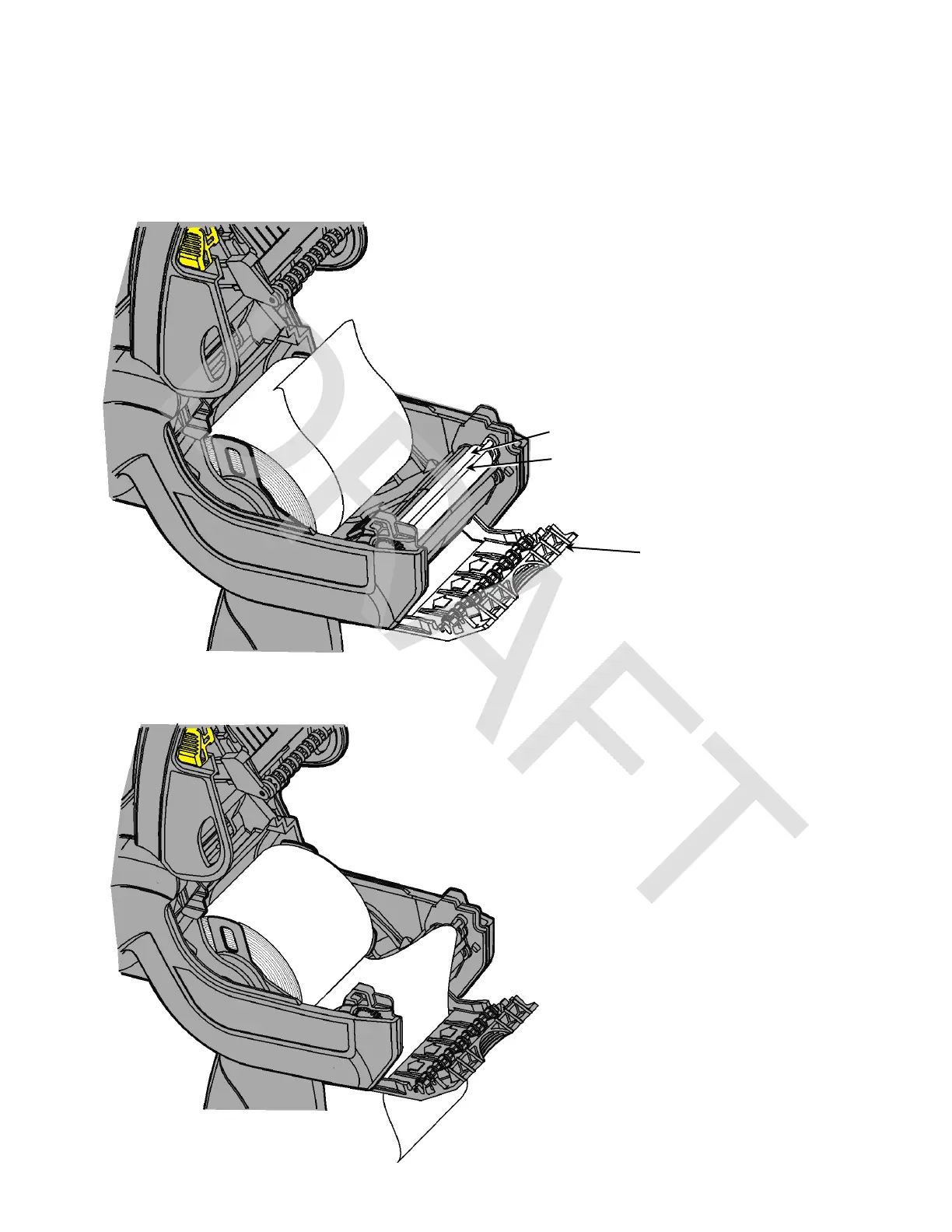
Loading for Peel Mode
Peel mode removes the backing paper from the supplies while printing. Apply the label with
steady pressure (not force).
1. Peel and discard the first four inches of labels from the backing paper.
2. Hold the printer upright and gently push down on the label deflector.
3. Feed the backing paper over the peel bar and through the slot at the base of the label
deflector.
Platen Roller (black rubber)











 To Next Page