Classification: Avery Dennison – Public Troubleshooting 5-3
Select: The following labels print:
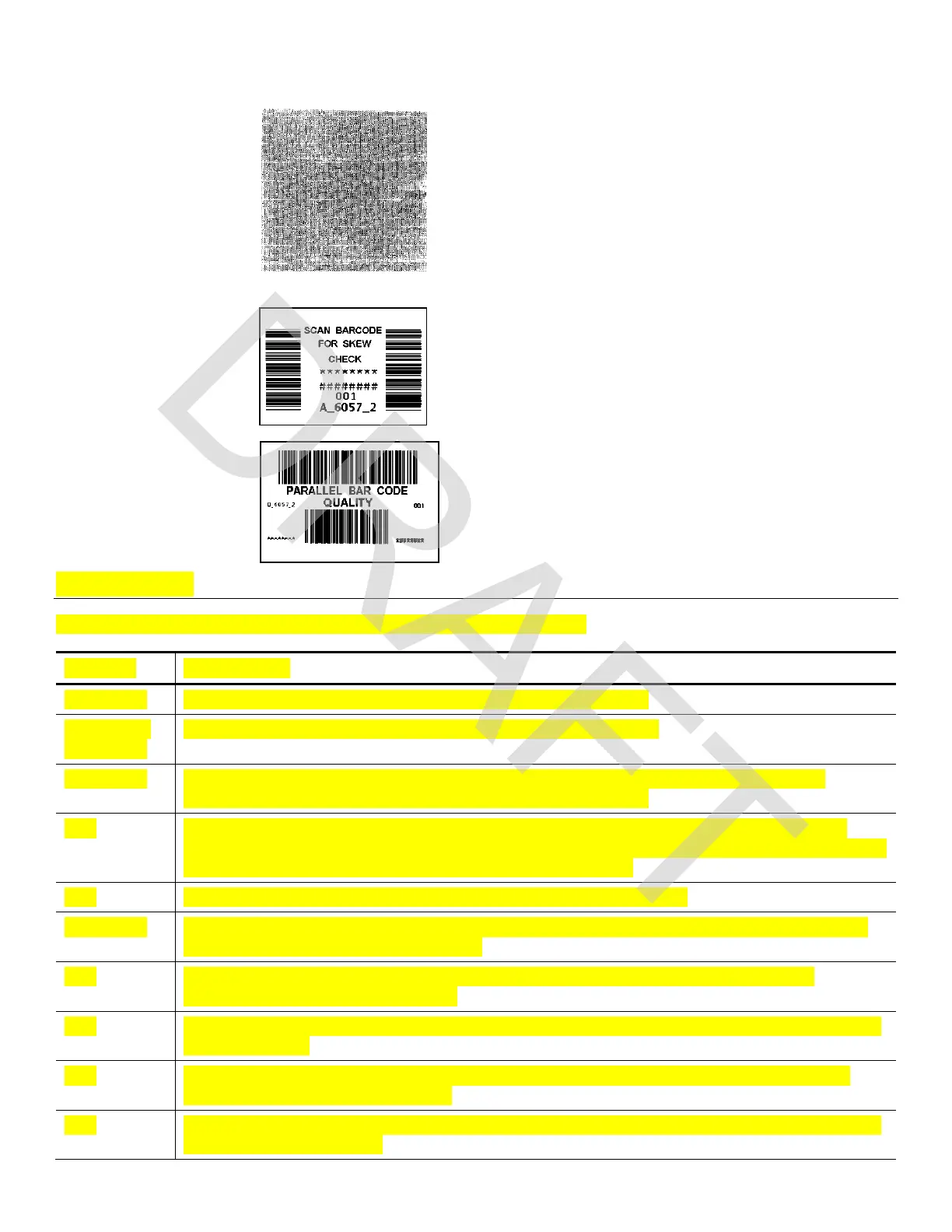
Gray Scale
The gray scale test checks the uniformity of the
printing. The printed sample should be uniformly
gray across the supply. If you see voids,
especially on the edges, keep the sample and
call Service.
Serial Barcode Label
A label prints bar codes for you to scan to check
the quality of serial bar codes.
Parallel Barcode
Label
A label prints bar codes for you to scan to
check the quality of parallel bar codes.
Error Codes
This section lists common error codes and their descriptions.
Code(s) Description
004 - 005 Supply size is incorrect. Reload the correct supplies.
267 – 271
410 - 413
Communication error. See your System Administrator.
703 - 704 Supply Error. Load supplies or make sure they are loaded correctly. See
“Loading Supplies” in Chapter 3 for more information.
706 Remove any jammed supplies. See “Clearing Supply Jams” in Chapter 5 for
more information. If the supply is not jammed or you have removed the jam, and
the error continues, see your System Administrator.
750 Printhead is overheated. Turn off the printer to let it cool.
751 - 753 The printer sensed a problem with a mark on the supplies. Check the supplies
to see if they are loaded correctly.
756 The printer is out of supplies. Load supplies. See “Loading Supplies” in
Chapter 3 for more information.
757 The calibrated supply length differs by plus or minus .25 inches from the format.
Load supplies.
758 Check supply. Remove any printed labels. Check for a label jam. Clear the
supply path or reload supplies.
762 Low battery. Recharge the battery. See “Charging the Main Battery” in Chapter
2 for more information.











 To Next Page