Classification: Avery Dennison – Public Care & Maintenance 4-3
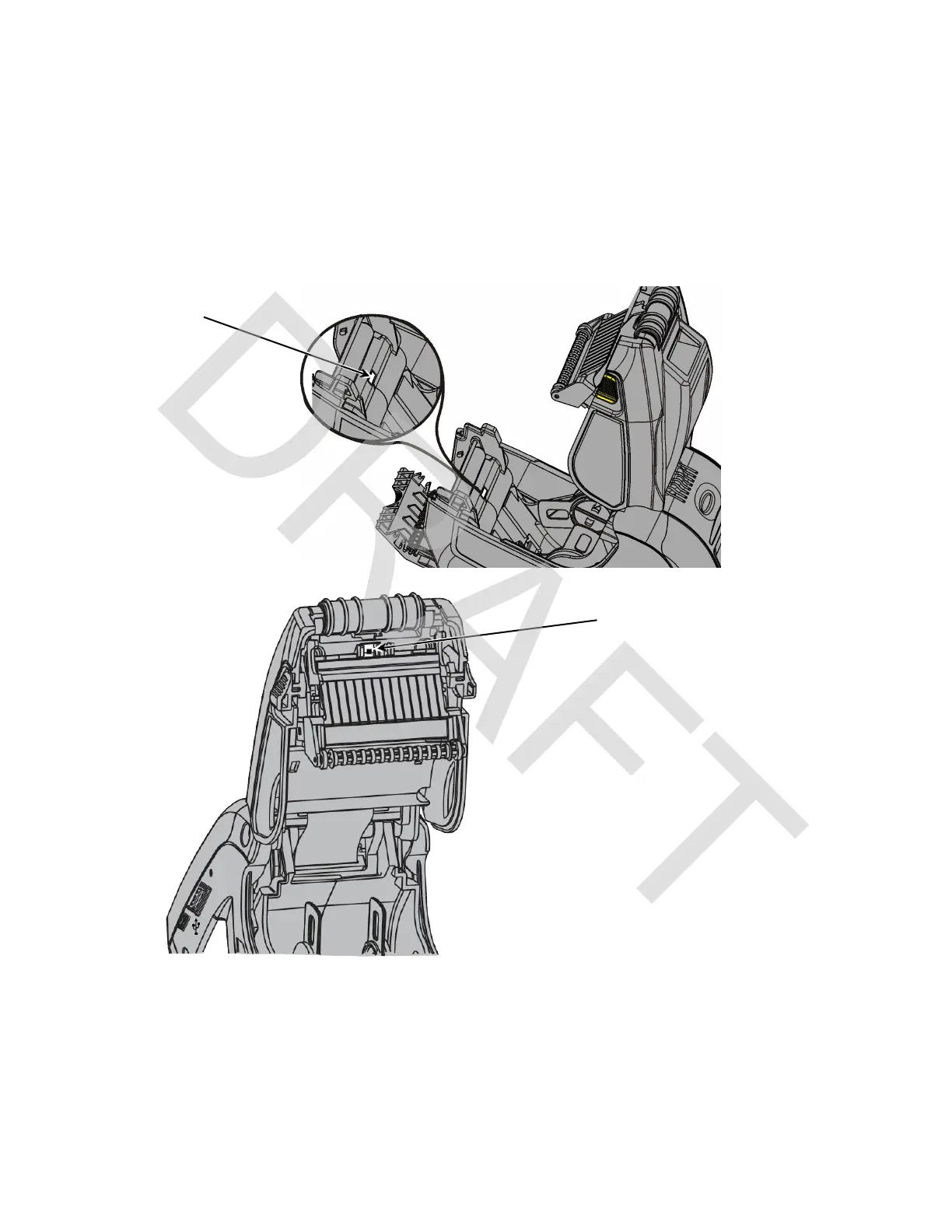
Cleaning the Supply Sensors
To clean the supply sensors:
1. Turn off the printer and open the supply cover.
2. Remove the supplies.
3. Open the label deflector by gently pushing down on the label deflector.
4. Clean the black mark sensor and on-demand sensor with a dry cotton swab.
5. Reload the supplies.
6. Close the supply cover and the label deflector.
Sensor











 To Next Page