Enter/Pause:
When the printer is online, pauses the current print job or
resumes a paused print job. When the printer is offline,
selects the displayed menu item.
Escape/Clear:
♦
♦
When an error is present, clears the error.
When a job (batch) is printing, cancels the print job
(batch). See "Canceling a Paused Batch
" in Chapter 8
for more information.
♦
♦
When the printer is online (without errors), enters the
offline menu mode.
When the printer is in the offline menu mode, returns the
display to the next higher menu.
»
When the printer is in the offline menu mode, displays the
previous menu item.
¼
When the printer is in the offline menu mode, displays the
next menu item.
» AND ¼
In online mode, prints a test label when you press the
buttons at the same time. Hold for one second and release.
Display
The display shows a three-digit error code and brief message to identify any
problem the printer may have. For a description of the problem, look up the
error code in Chapter 10, "Diagnostics & Troubleshooting
."
Selecting a Function
The Main menu has several functions (operating modes). These functions
are shown in the chart below.
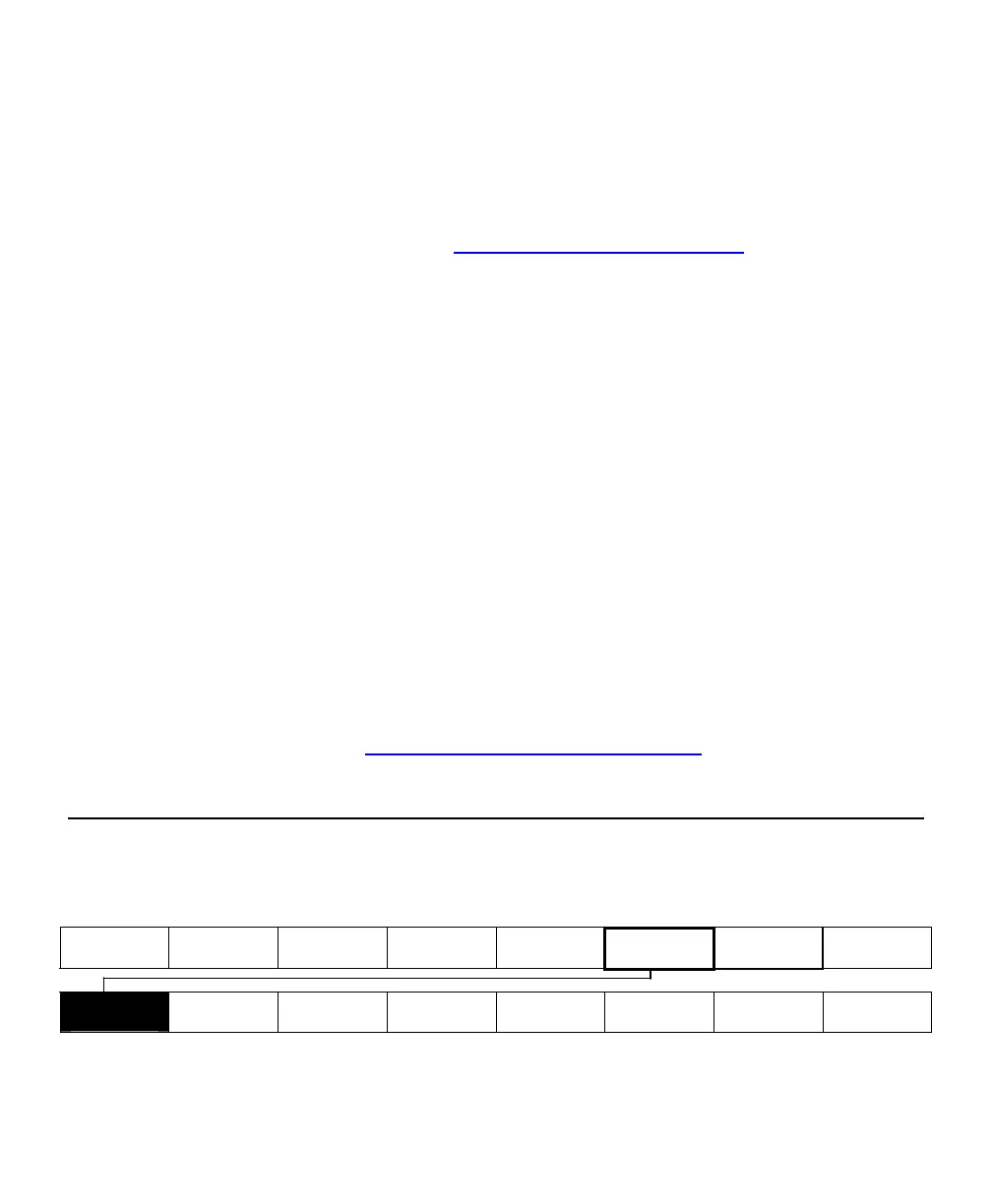
Main Menu
Cancel All Print Mode Batch Entry Repeat
Batch
Batch
Options
Setup Scripts Diagnostics
Supply
Contrast
Defaults
Network
Port
Settings
Flash
Memory
Verifier
RFID
Getting Started 1-7








 To Next Page