Loading Labels or Tags
Make sure the printer is configured for the correct supply type.
1. Open the cover.
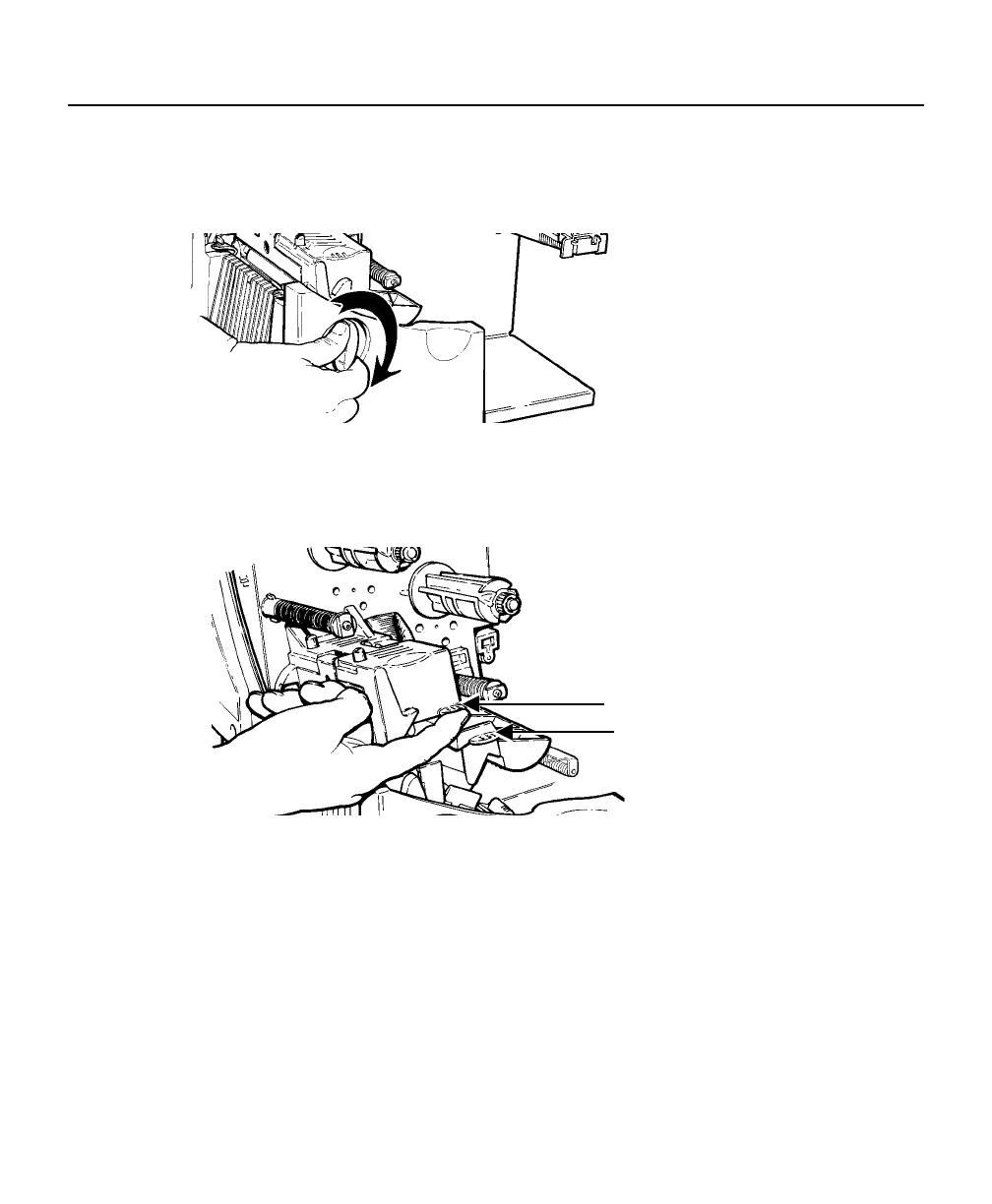
2. Unlock the printhead by turning the retaining latch.
3. Lift printhead assembly using the printhead tab until the assembly locks
into place.
Deflector Tab
Printhead Tab
4. Place the roll of supply on the supply holder. For labels, the supply
unrolls from the top or the bottom. For tags, make sure the supply unrolls
from the bottom, because tag rolls are wound face in.
Note: Do not pick up the printer by the supply holder.
2-2 Operator's Handbook













 To Next Page