To change the setting, from the Main Menu, select Setup, then Supply. Then
follow these steps.
1. Press » or ¼ until you see
SUPPLY
» Error Action
2. Press Enter/Pause. The current setting is displayed, for example:
ERROR ACTION
» Ostrk/Cont 1x ¼
3. Press » or ¼ to see the other options. After you display the option you
want, press Enter/Pause.
4. Press Escape/Clear until you see the Main Menu.
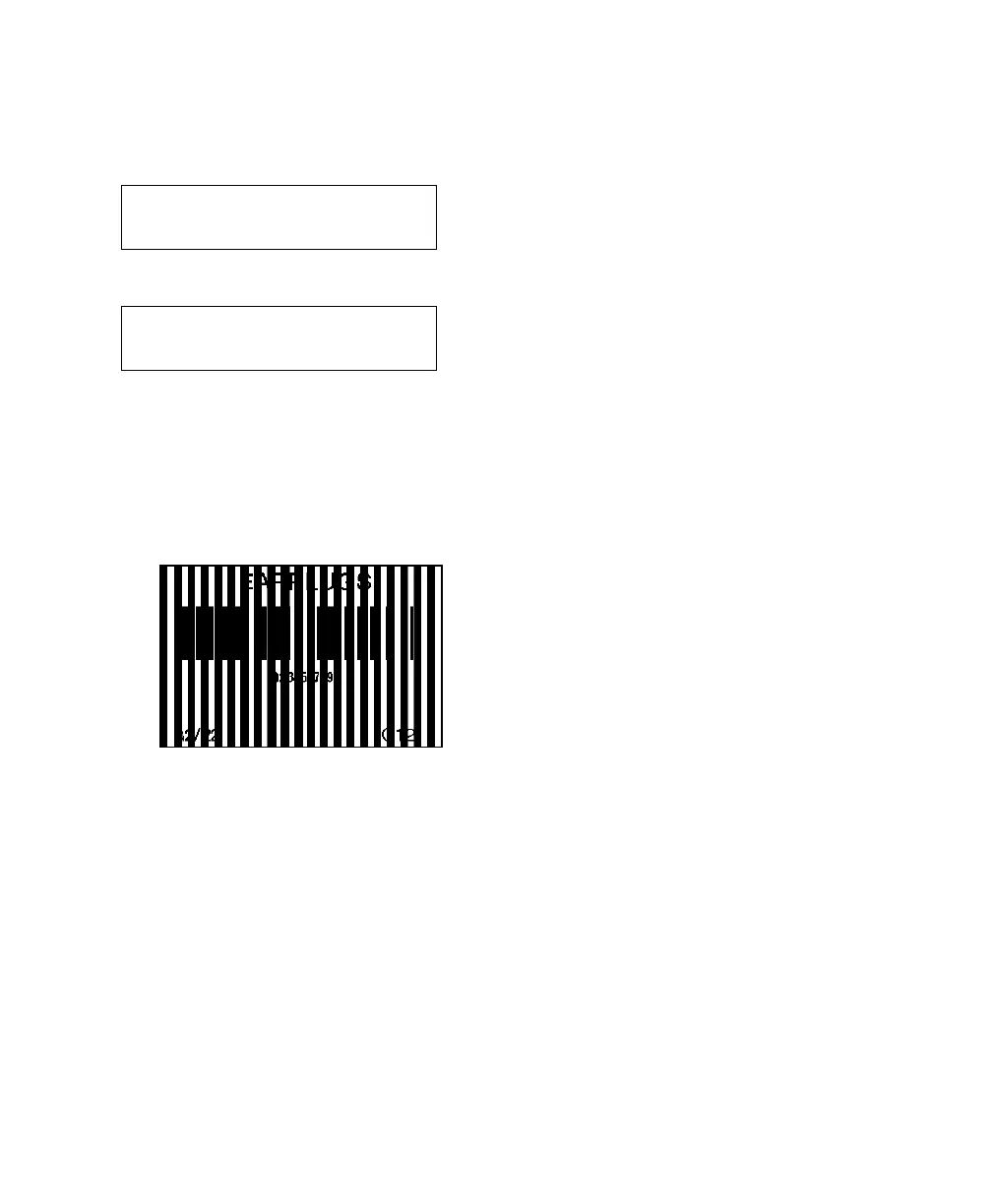
Note: Depending on the selected error action, you may or may not see a
label with the overstrike pattern.
Label with overstrike pattern
Setting Supply Options 4-19













 To Next Page